One product photo. A whole set of scenes.
Free watermarked preview · no account · pay only for the scenes you keep
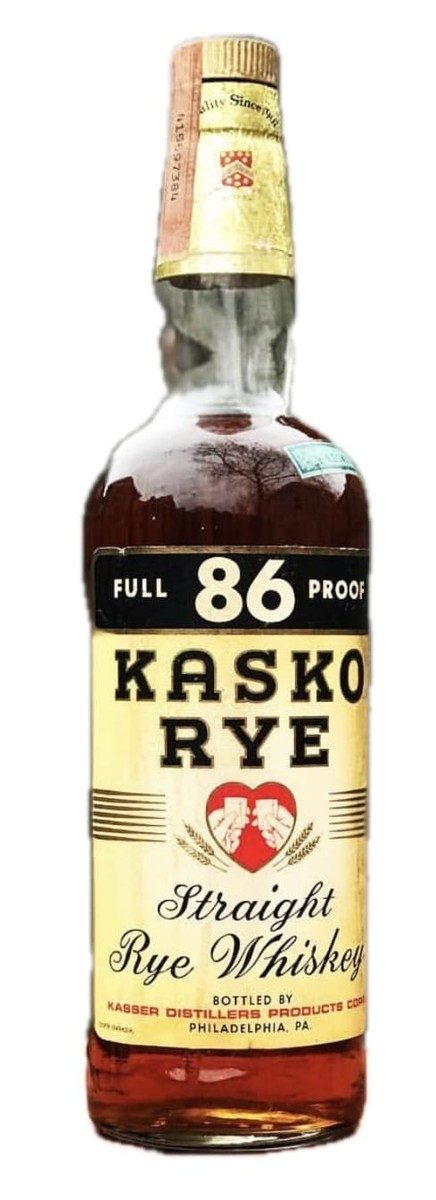 01 Your photo
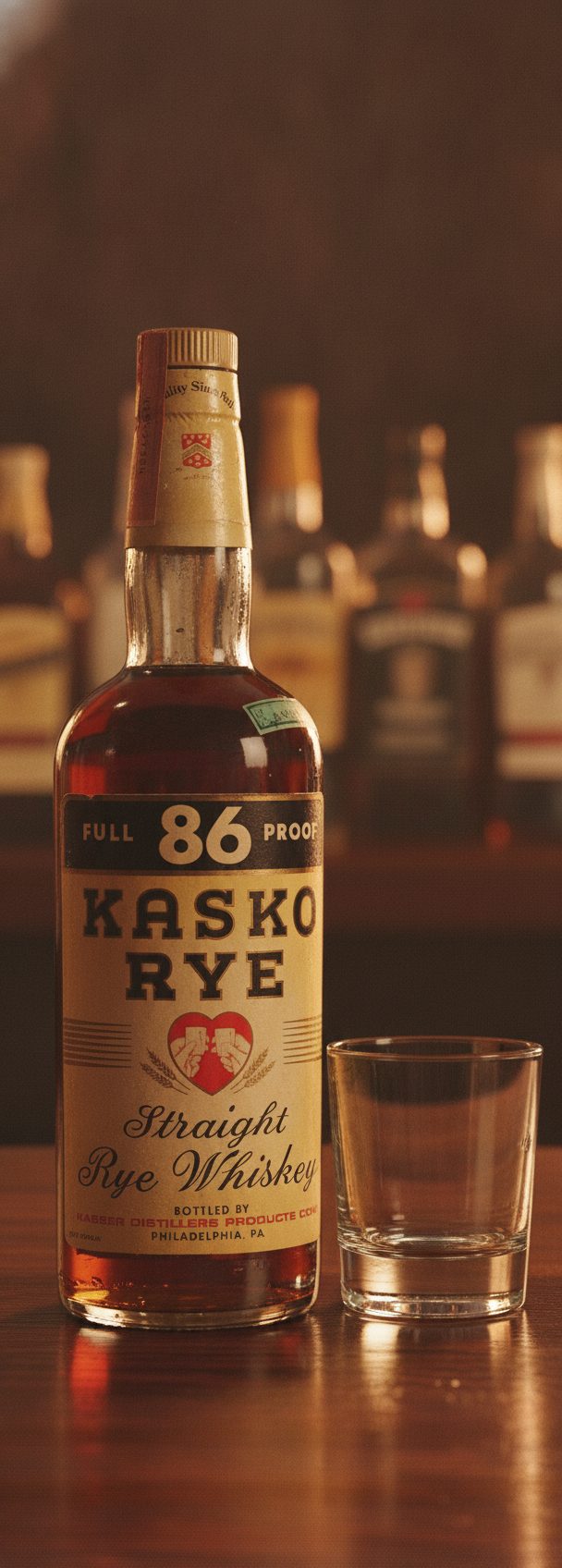 02 Backlit bar
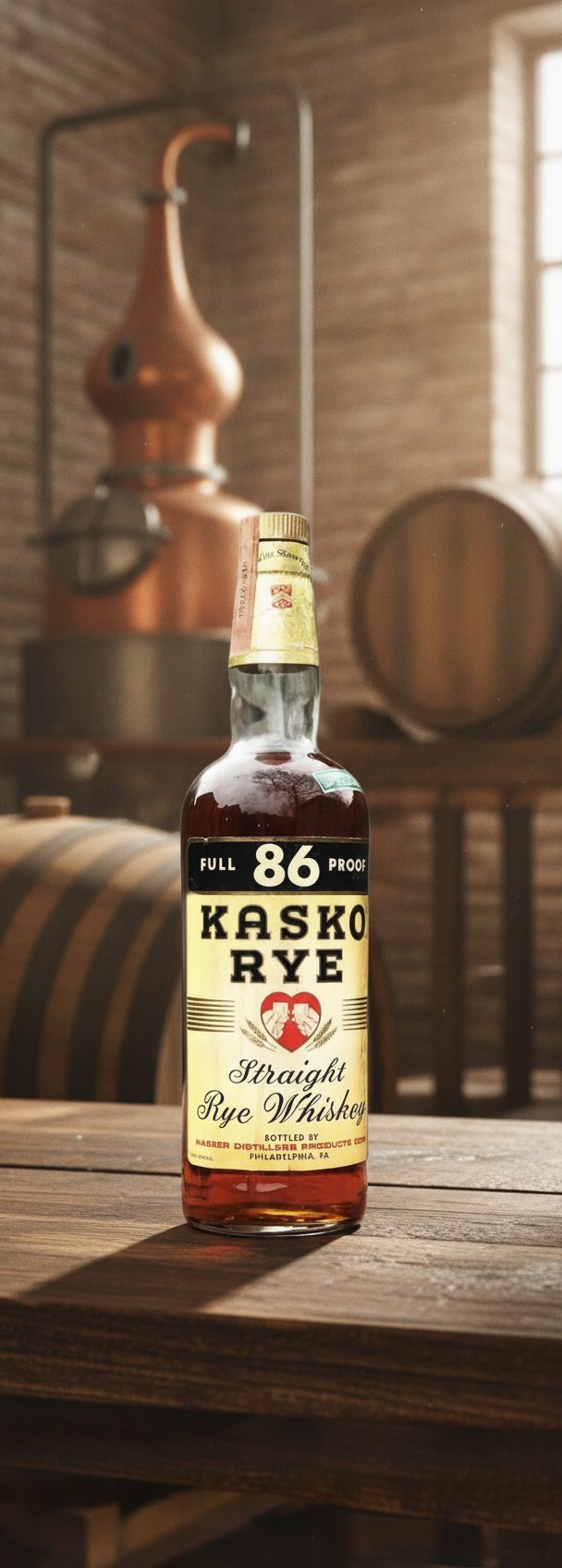 03 Distillery
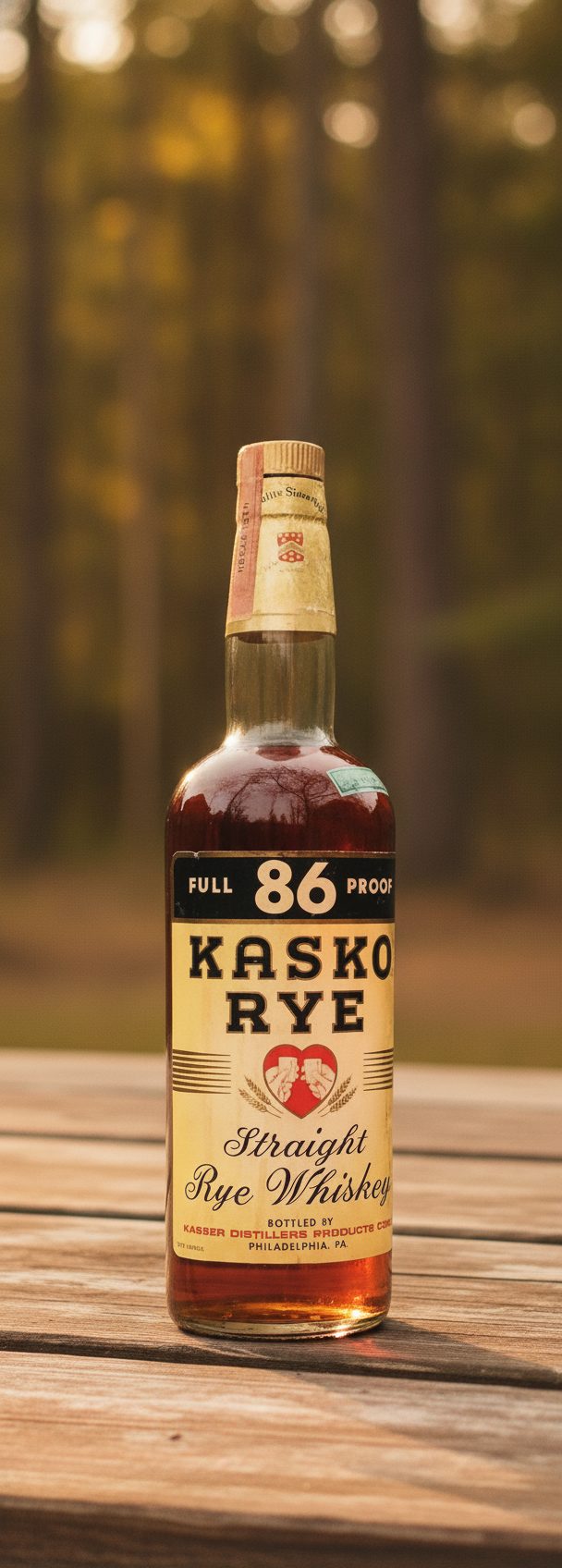 04 Outdoor table
You shot it once — clean, sharp, on white. KeepThisProduct drops that same bottle, jar, tube or bag onto a marble shelf, a café table, a sunlit pantry, and keeps its shape, packaging and label exactly as you photographed them. The first scene is free to see.
A scene generator sees a bottle. A seller needs this bottle.
Generic generation treats your upload as loose inspiration: the new scene may look polished while the cap, label layout, or silhouette quietly changes. For a seller, a near-match is not a creative variation. It is the wrong item.
KeepThisProduct starts from your product photo as the fixed reference. The editor is asked to rebuild the set around that item, not redesign the item to fit the set. In our product bench, bottles, jars, tubes, bags, and decorated ceramics generally kept their shape, color, packaging, and prominent branding across very different environments.
There is a hard edge to the promise: dense fine print can blur, a design-critical silhouette can drift, and the tool cannot reveal a front face your source never showed. Use scenes for context, keep real close-ups for details, and compare every output to the product before publishing.
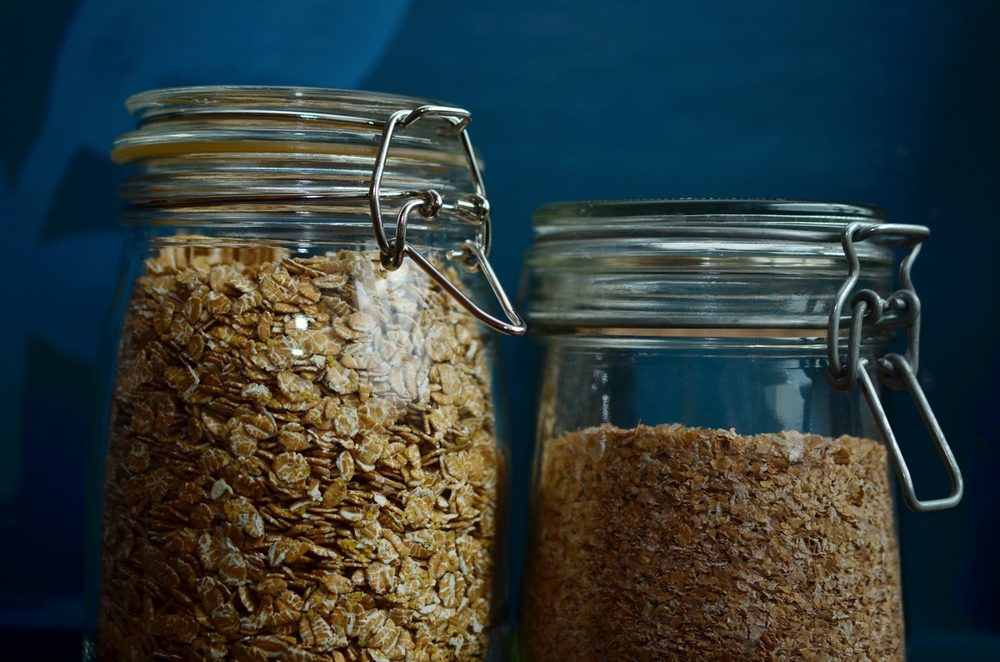
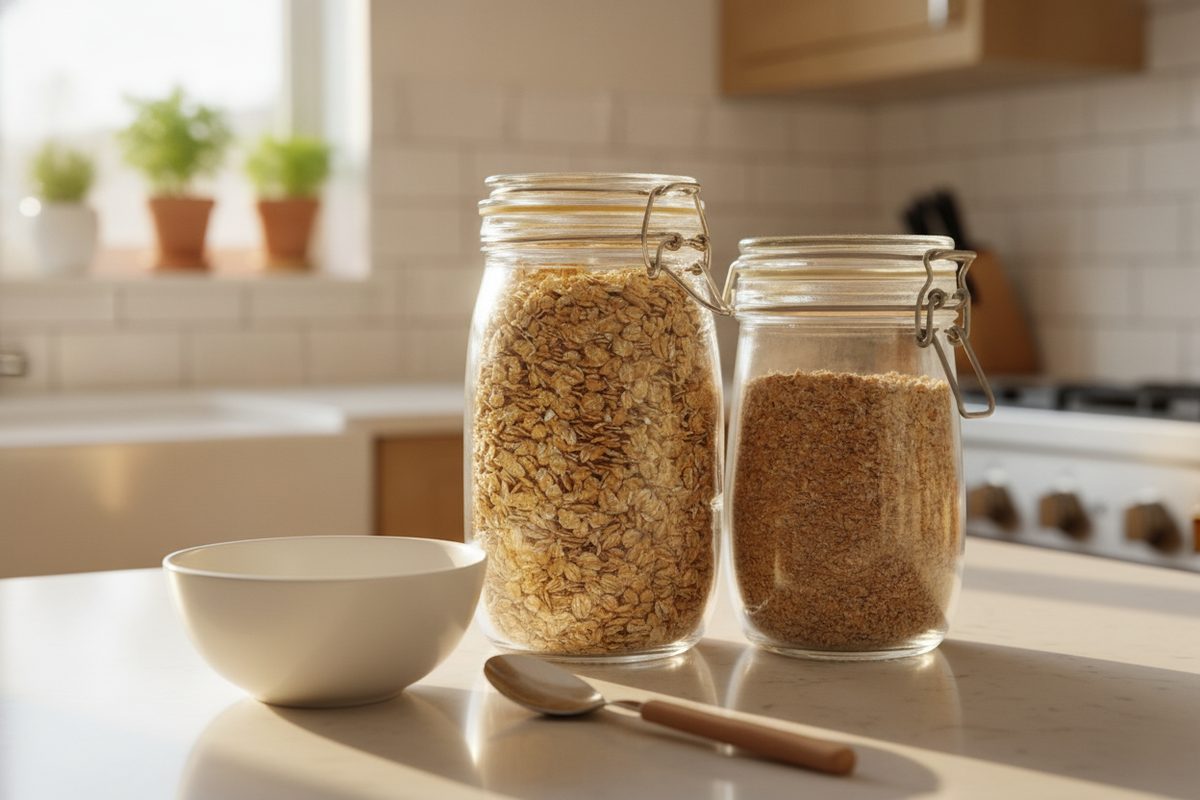
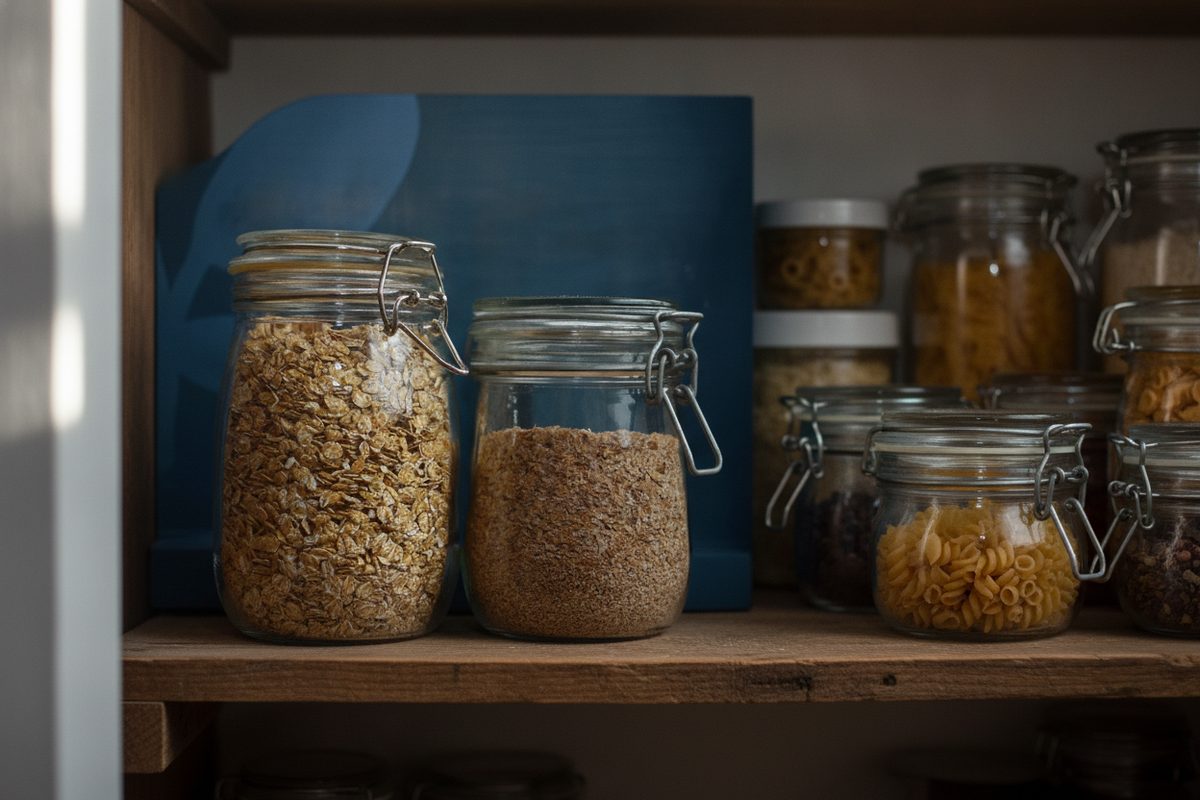
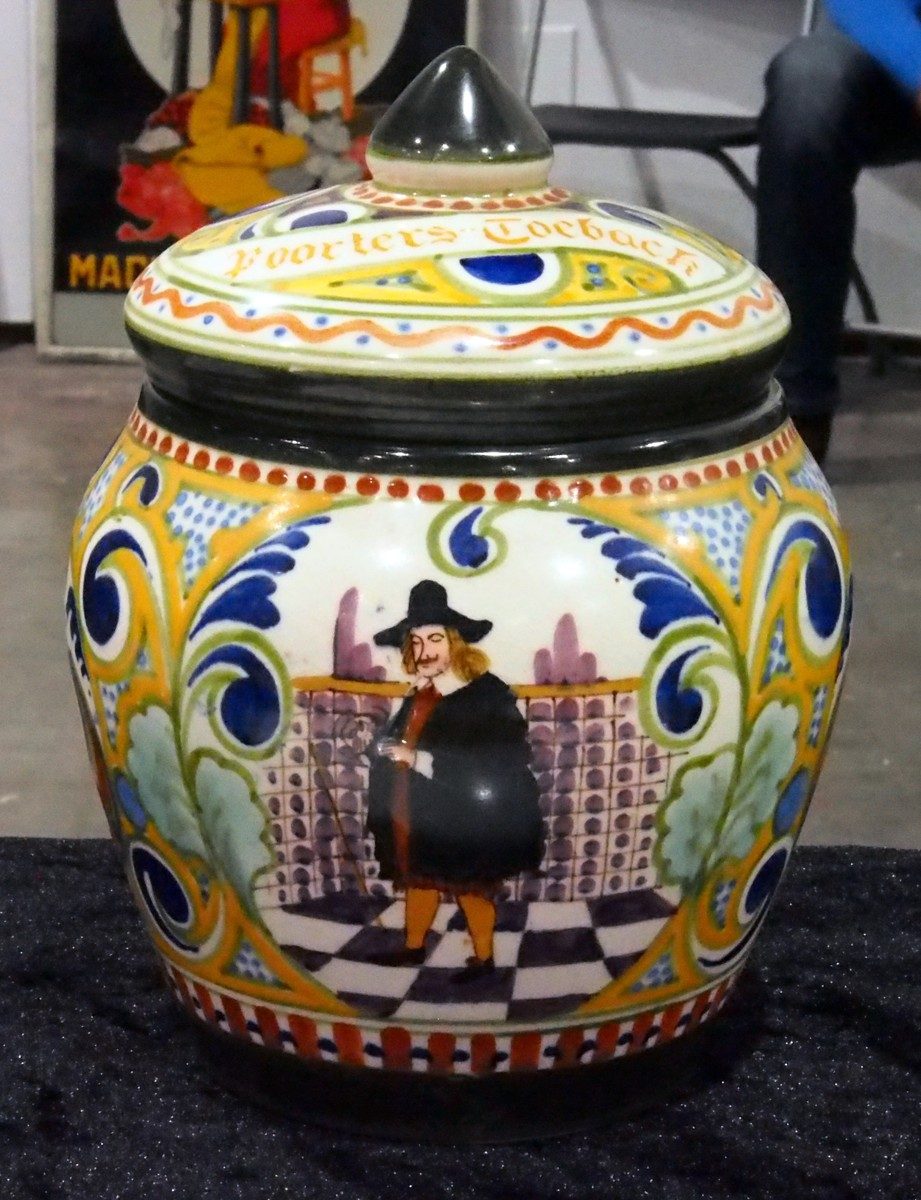
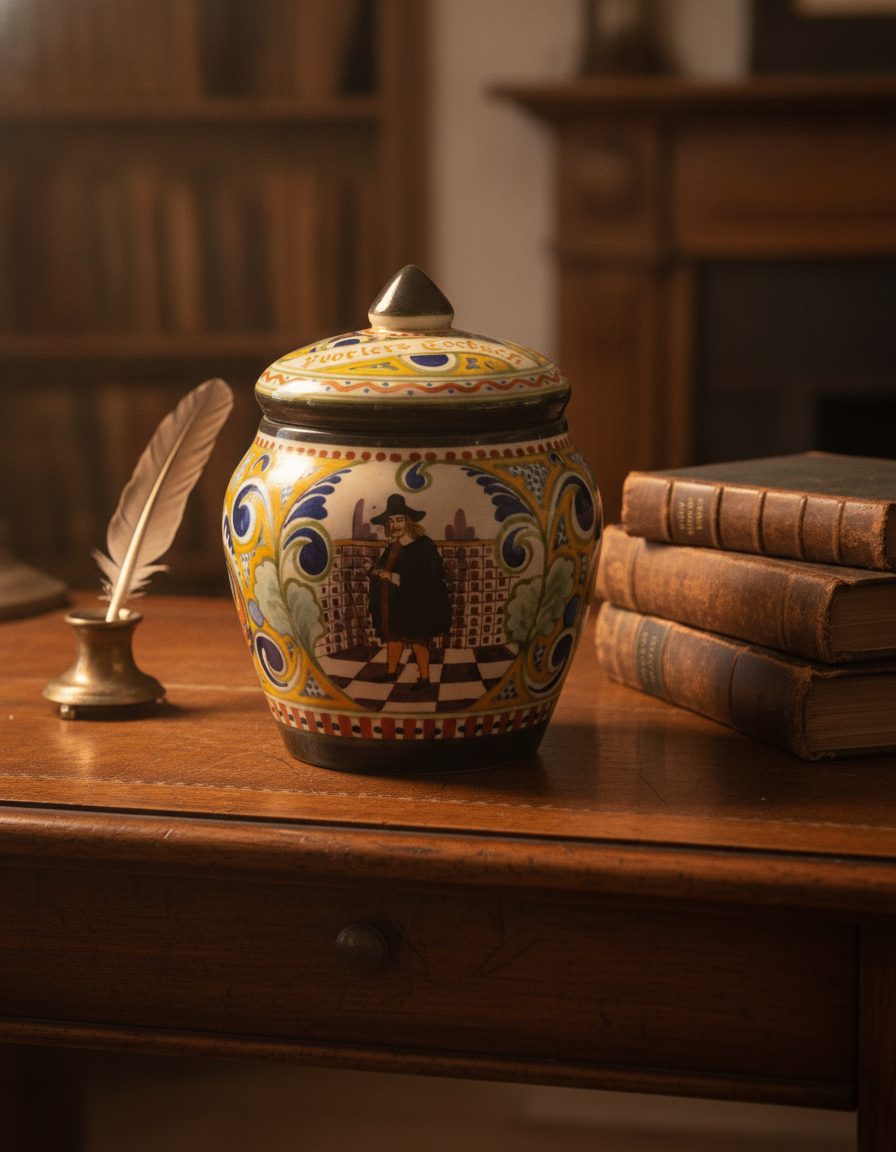
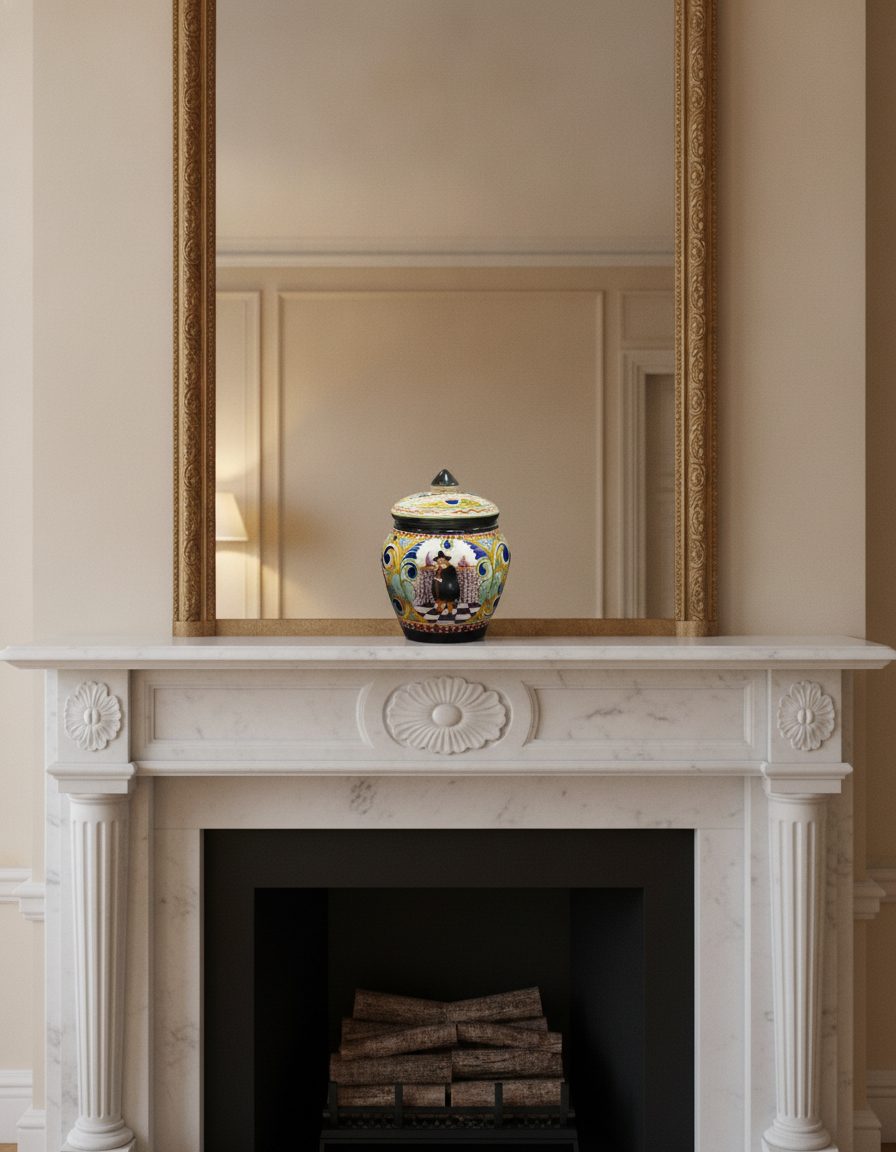
From one photo to a scene library
Upload your product photo
Start from a clean, well-lit shot of the actual product — the sharper and more front-on, the better the scenes hold.
Choose a proven scene
Pick a listing hero, kitchen, café, marble shelf, desk, picnic, seasonal, or synthetic-model set, then allow changes to setting, props, and light.
Preview, choose, then download
Inspect the free watermarked result against the real product. If it holds up, choose a pack, use the remaining scene places, select one final per scene, and download for 30 days.
See the scene first. Buy the set after.
Your first watermarked scene costs nothing. Like what you see, and a pack unlocks the full-resolution finals — three attempts per scene, one final you choose.
What stays true
- The workflow is designed to preserve product shape, proportions, colors, packaging and label placement while the scene changes; every output still needs a seller review.
- It stages your own or authorized products only. It never adds a claim, certification, feature or ingredient your product doesn't have, and it can't conceal a defect.
- Bold, high-contrast logos survive well; very fine print and tiny legal type are the first things to soften — the honest-limits guide shows exactly when.
Questions, answered plainly
What does it cost?
Your first reduced, watermarked scene preview is free. If it holds up, KeepThisProduct offers 5 selected scenes for $9.99, 20 for $29.99, or 60 for $79.99. Each scene includes up to three successful attempts and one selected full-resolution final. There is no subscription or signup.
What happens when I click the button?
You stay on KeepThisProduct and open the private scene workbench. Upload one authorized hero photo and an optional detail reference, confirm the product-use statement, choose a scene and inspect a watermarked preview. Checkout appears only after the preview.
Will it change my product?
That's the one thing it's built not to do. The scene around your product changes; the product's shape, color, packaging and label are preserved from your uploaded photo. Bold logos hold up well; very fine print can soften, which we document openly.
Can I use these on Etsy, Shopify and Amazon?
Yes — lifestyle scenes are a normal, allowed part of a listing gallery on all three, as long as they represent your real product honestly and you keep a truthful main image. Marketplaces generally want the primary image to show the actual product clearly; staged scenes work as the supporting shots.
Do I have to disclose that a scene is AI-generated?
Where it's material — for example if the scene could imply a feature, setting or result the product doesn't actually deliver — you should disclose it. Our disclosure guide covers when and how, in plain language.
Is this a photo-shoot replacement?
No, and we won't pretend otherwise. It can't invent detail your reference photo never captured, and some products still deserve a real shoot. It's for turning one good photo into many scenes quickly.
Bring one photo. Leave with a set.
Upload the product shot you already have and watch it land in scene after scene — with the label, shape and packaging you photographed kept intact.