One backdrop system for the whole catalog
A catalog reads as a brand when the backgrounds agree. KeepThisProduct lets you put every item — shot at different times, by different people — onto a shared, consistent backdrop while each product stays exactly itself.
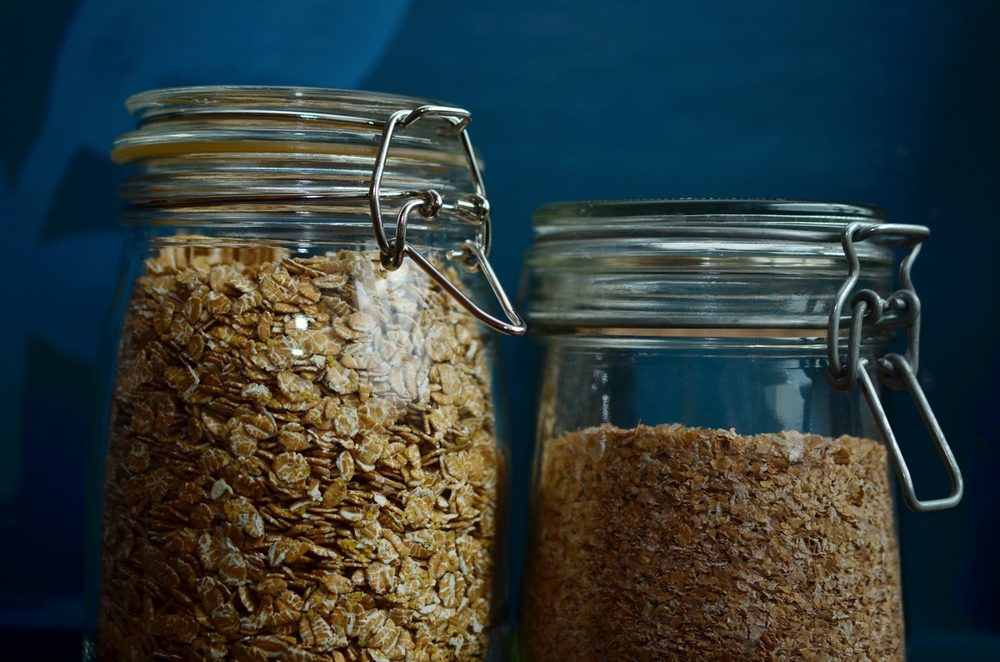
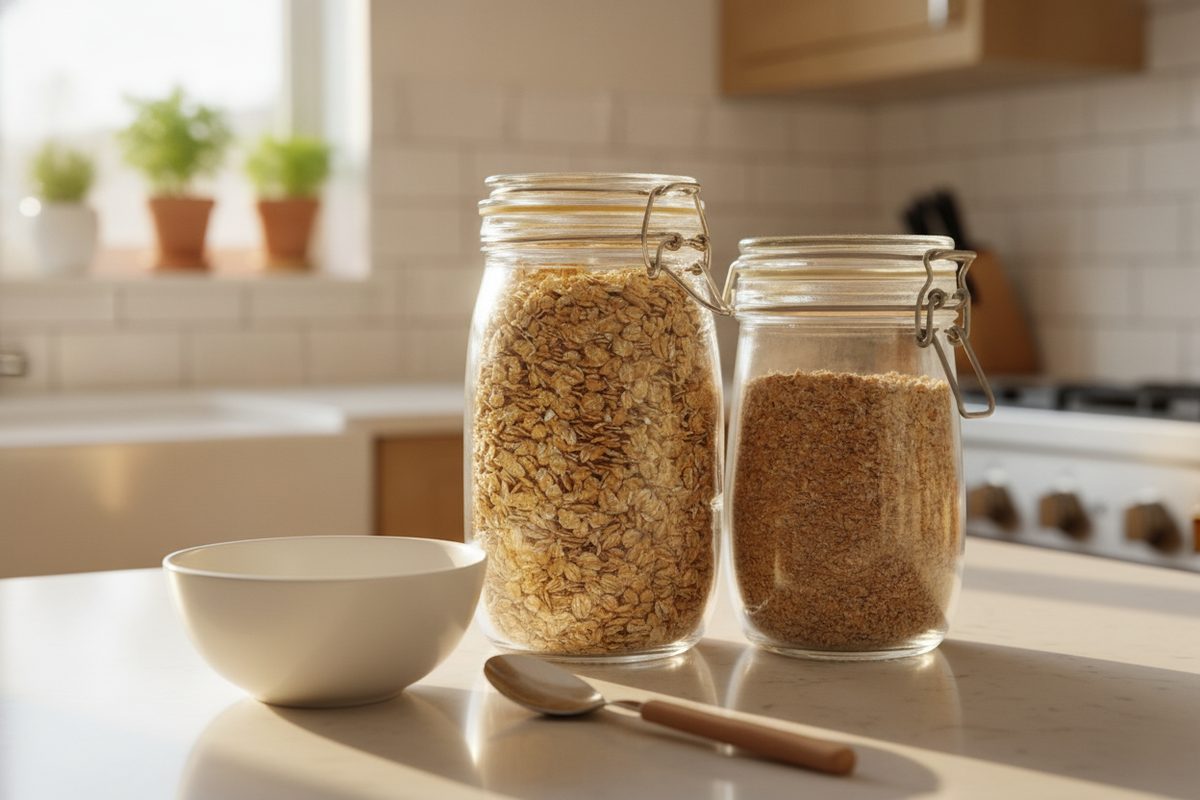
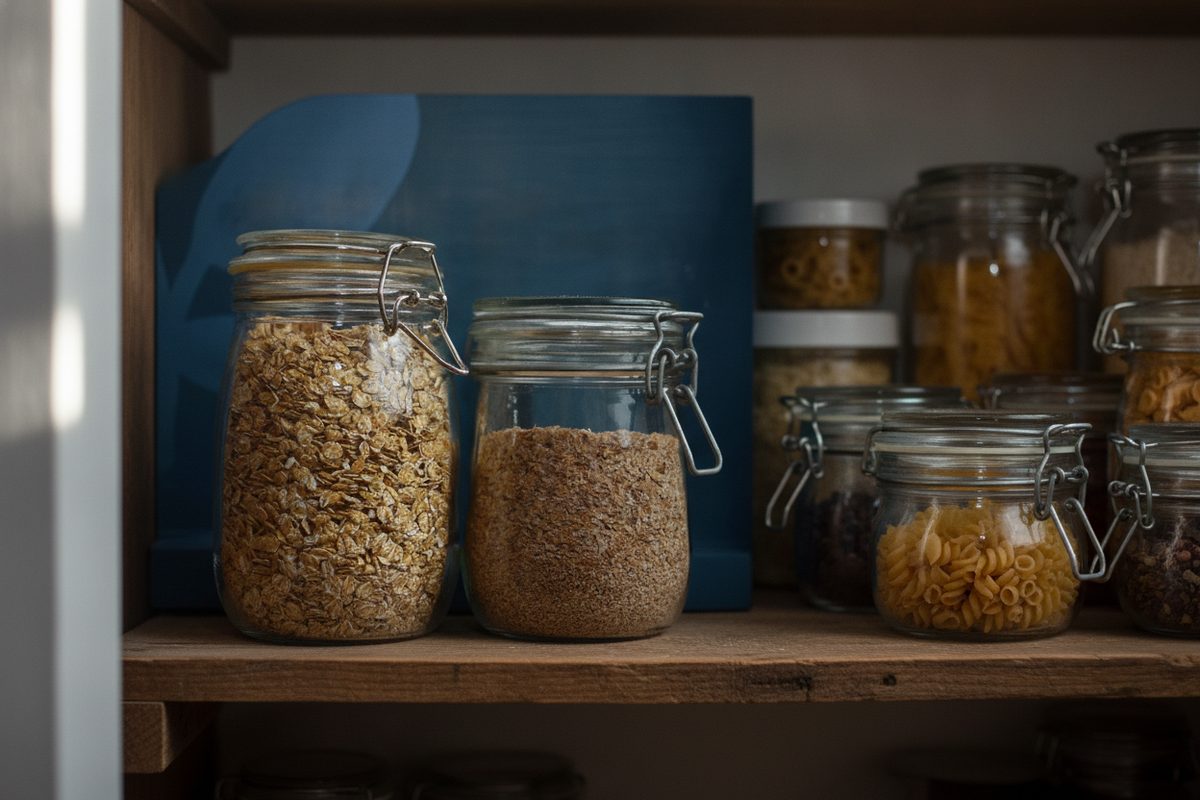
Mismatched backgrounds are the most common thing that makes a small catalog look improvised. One product floats on pure white, the next sits on a wood grain, a third still has the shadow of a windowsill. Individually fine; together, noisy.
Fixing it by reshooting the whole range is expensive and slow. Fixing it by restaging each product onto a shared background is fast — and because the product itself is preserved from your existing photo, you're only changing the part that was inconsistent in the first place.
Designing a backdrop system
Pick a small vocabulary and reuse it. Decide on one or two surfaces (say, a warm oak shelf and a cool marble counter), one lighting mood, and a consistent camera distance, then describe that same recipe for every product. The result is a catalog where the backgrounds rhyme even though the products vary.
This is also how you signal category. A food range on bright kitchen counters, a bath range on clean tile, a hardware range on a workbench — a coherent backdrop tells shoppers what world the product lives in before they read a word.
What stays true
- Each product's shape, color, packaging and label are preserved; only the background is unified.
- Consistency comes from reusing the same scene description across items — the tool holds the product, you hold the recipe.
- Backgrounds must not imply a setting, use or result the product can't honestly support.
Questions, answered plainly
Can I put products with different shapes on the same background?
Yes. Because each product is preserved from its own reference photo, you can place a tall bottle and a short jar onto the same described backdrop and both stay true to themselves while sharing a setting. The background is the constant; the products keep their real forms.
How do I keep the background truly identical across items?
Reuse the same scene wording for every product — same surface, same light, same framing. Small differences in description produce small differences in backdrop, so a saved, consistent prompt recipe is the trick to a uniform catalog.
How many scenes can I stage in one purchase?
Choose a 5-, 20-, or 60-scene outcome pack after the free preview. One product scene uses one place only after an engine result succeeds, and each place includes up to three successful attempts with one selected final. Buy another pack for the next catalog set.
Make the backgrounds agree
Bring your mismatched product shots and drop them onto one consistent backdrop system — every item preserved, the catalog finally coherent.