Do not generate your Amazon MAIN image. Build secondary context carefully.
Amazon's MAIN image has a narrow job: show the actual product clearly on pure white, without props, graphics, watermarks, or confusing extras. Keep that frame as compliant real photography. Consider generated lifestyle context only in secondary slots and only when your category rules allow it.
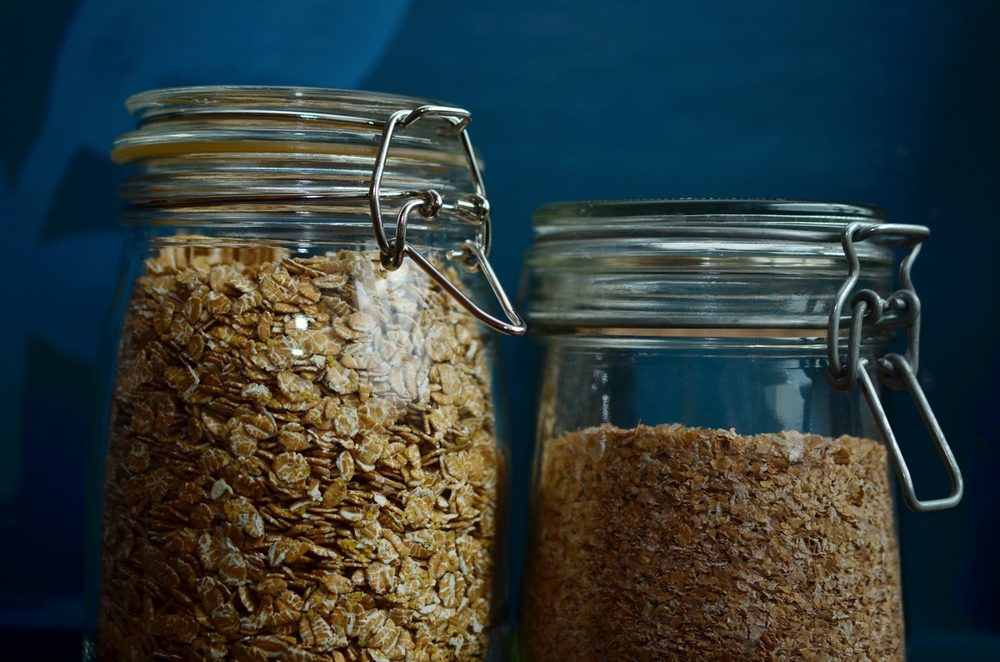
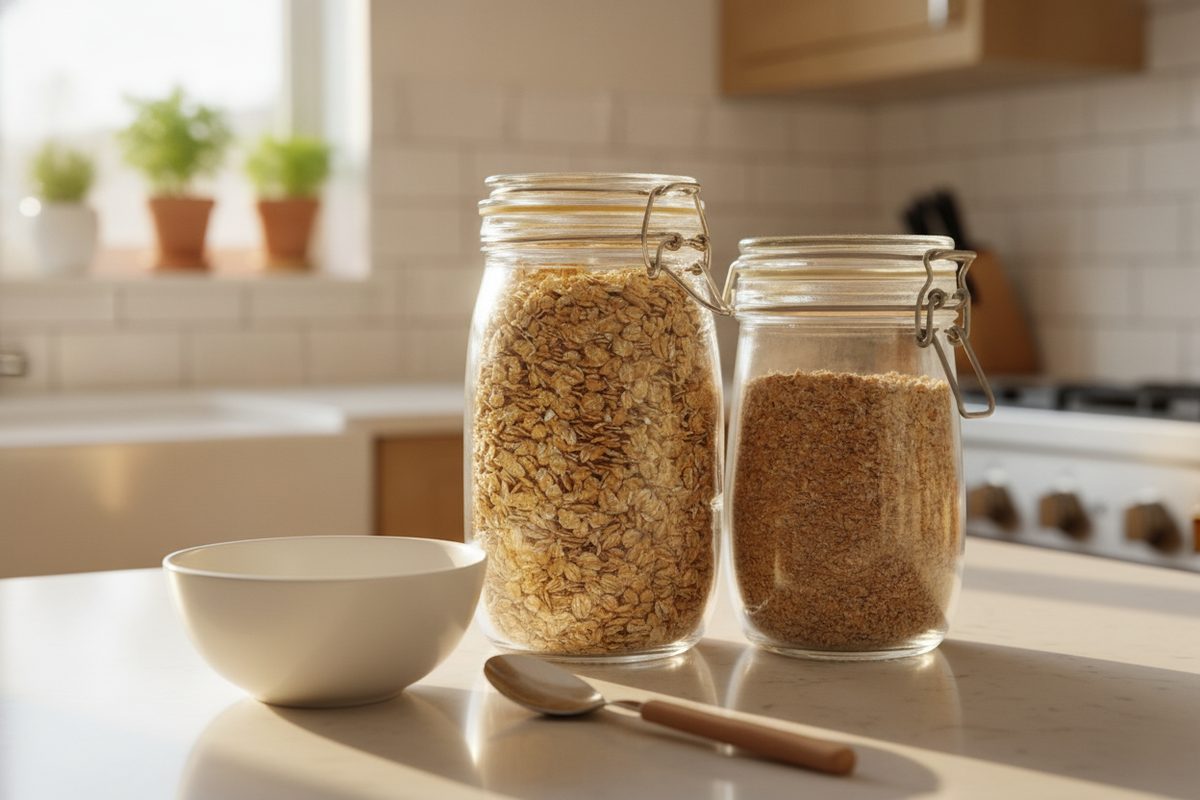
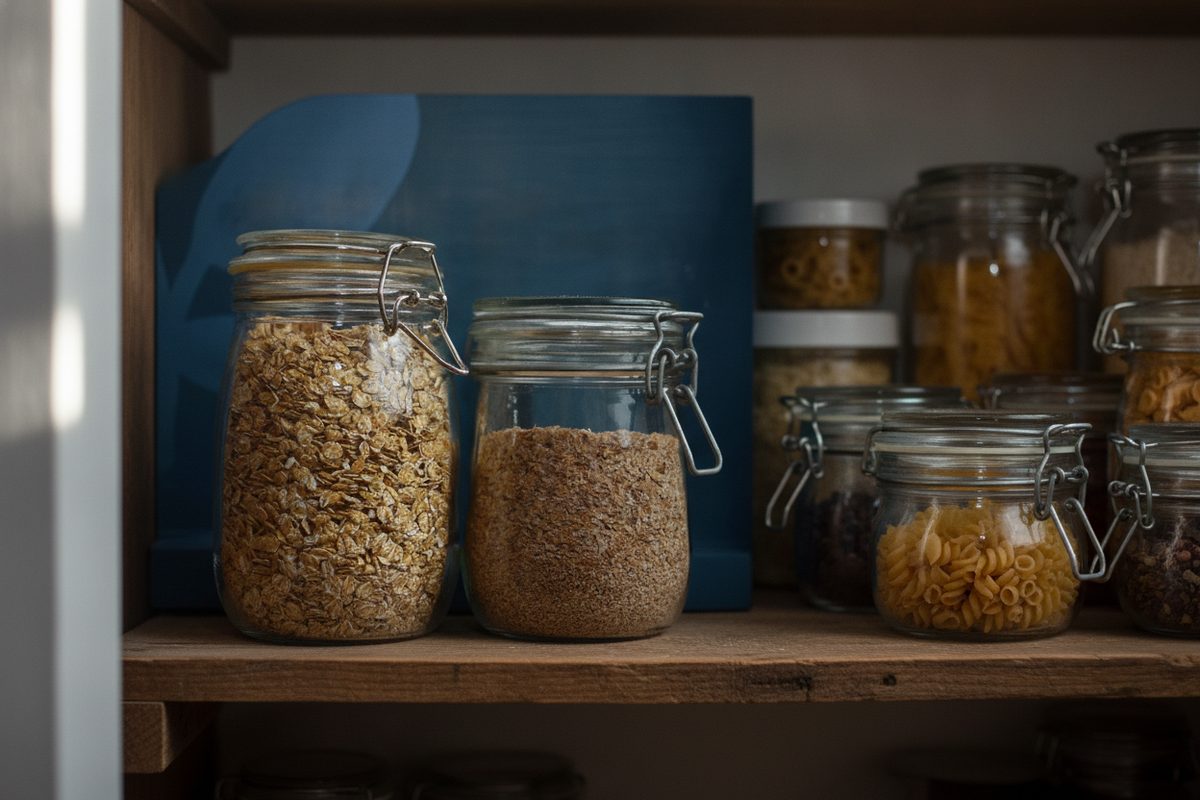

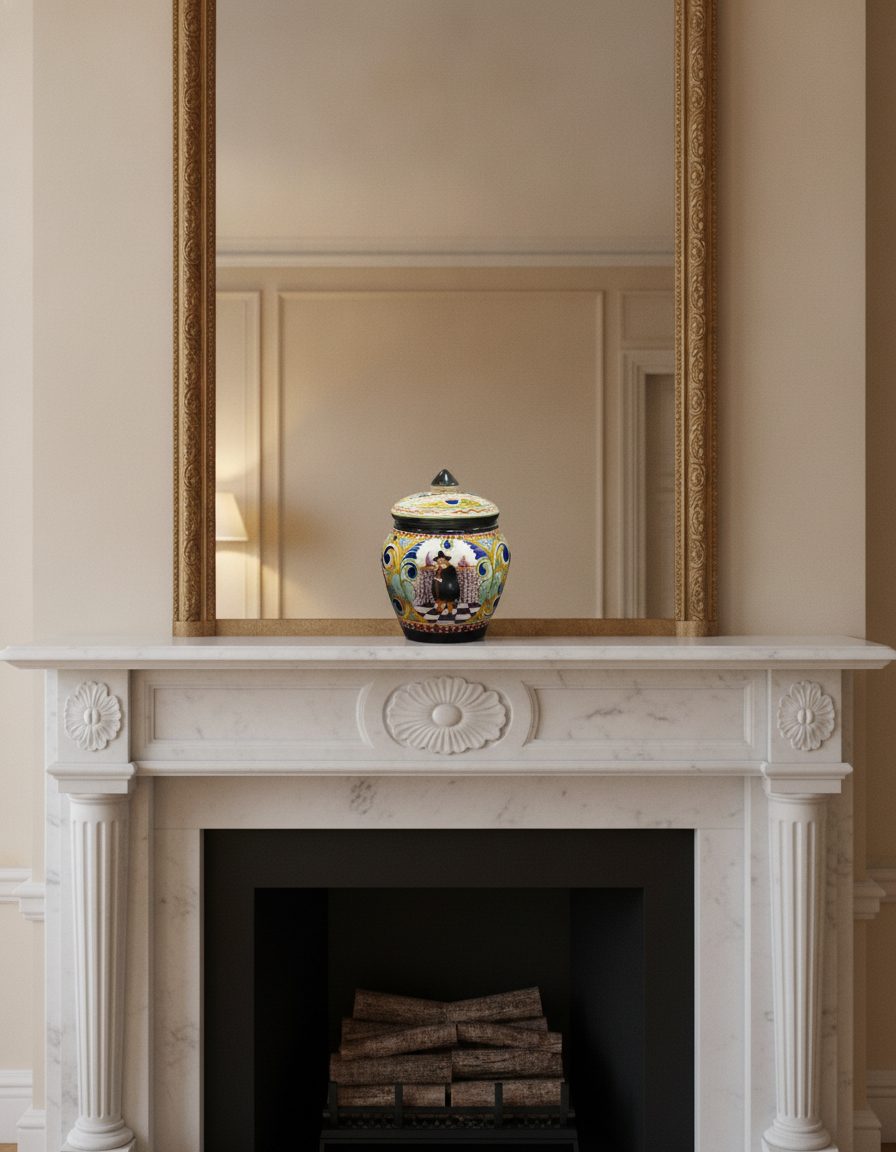
The cobalt-outlined frames above are real reference photos. The surrounding frames demonstrate scene placement, not compliant MAIN images. Amazon says MAIN must be a professional photograph of the actual product on pure white and must accurately represent what is sold. That slot is not where this workflow belongs.
A secondary image can answer a different question: where the item lives, how large it feels, or how it is used. But Amazon standards and category guides still apply. Check the current rule for your category before uploading any generated context, and keep product truth stricter than scene appeal.
A safer Amazon image stack
MAIN: real product, pure white, compliant framing. Secondary 2: another real angle. Secondary 3: a real detail or included-parts image. Secondary 4: scale or dimensions using verified information. Secondary 5: a reviewed lifestyle scene if allowed. Secondary 6: another truthful use context or a real comparison that does not make unsubstantiated claims.
This order protects the evidence before adding atmosphere. If a scene changes count, cap, shape, color, packaging, label placement, or included accessories, it is not a usable secondary image. If fine print softens, keep that face away from the camera or use a real close-up instead.
Zoom size and category rules are separate checks
Amazon's published general guidance says 1000 pixels or more on either height or width enables zoom, with 500 pixels on the longest side as the smallest accepted file in the cited guidance. Resolution does not establish compliance: background, content, rights, category standards, and accurate representation still matter.
Some categories impose additional imaging rules. Before a large catalog update, read the live Product Image Requirements and the detailed imaging guide for your category from Seller Central. Treat any generated scene as optional until that review is complete.
Never add selling claims inside the scene
Do not invent badges, certifications, awards, ingredients, performance results, endorsements, or accessories. A secondary scene should communicate context through the environment, not smuggle new product facts into the image.
What stays true
- Keep MAIN as a professional real photo of the actual product on pure white, following Amazon's current product and category requirements.
- Use generated lifestyle context only in secondary slots, only if the current category rules allow it, and only after a product-fidelity review.
- Never add badges, certifications, claims, features, results, or included items that the product does not have.
Questions, answered plainly
Can I use an AI scene as my Amazon MAIN image?
No. KeepThisProduct is not for Amazon's MAIN slot. Amazon's general standards require a professional photograph of the actual product on pure white, without props, graphics, watermarks, or confusing extras.
Are generated lifestyle scenes always allowed in secondary images?
Do not assume so. Secondary images can show context, but Amazon and category-specific image rules still apply. Check the current Seller Central requirements for your category before upload and use only scenes that accurately represent the item.
What size enables Amazon zoom?
The cited Amazon guidance says images should be 1000 pixels or larger in either height or width to enable zoom. Use the browser-only checker here, then confirm current Seller Central guidance before a catalog-scale upload.
What happens when I stage a secondary scene?
The button keeps you on KeepThisProduct and opens the private workbench with the listing-hero preset selected. Bring your authorized product photo, inspect the reduced watermarked result, and discard any output that changes the item. Checkout appears only after that preview.
Keep MAIN real. Test one secondary scene.
Start from the authorized product photo, direct a truthful context, and publish only after product and category-policy review.