Mockups that keep your packaging, not a template's
Template mockups wrap a flat image of your label onto a generic box and call it done. KeepThisProduct works from a photo of the real thing, so the mockup shows your packaging as it actually looks — form, finish and label together.
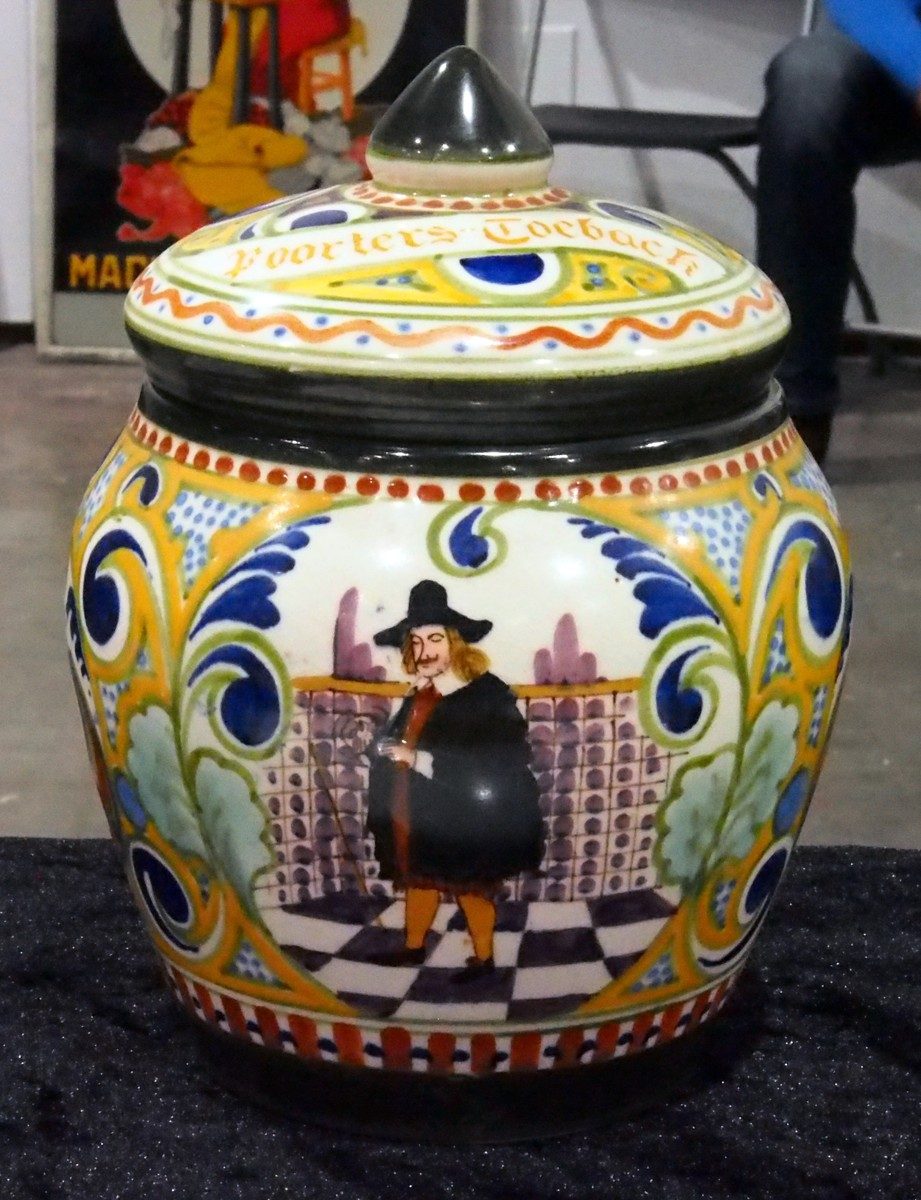
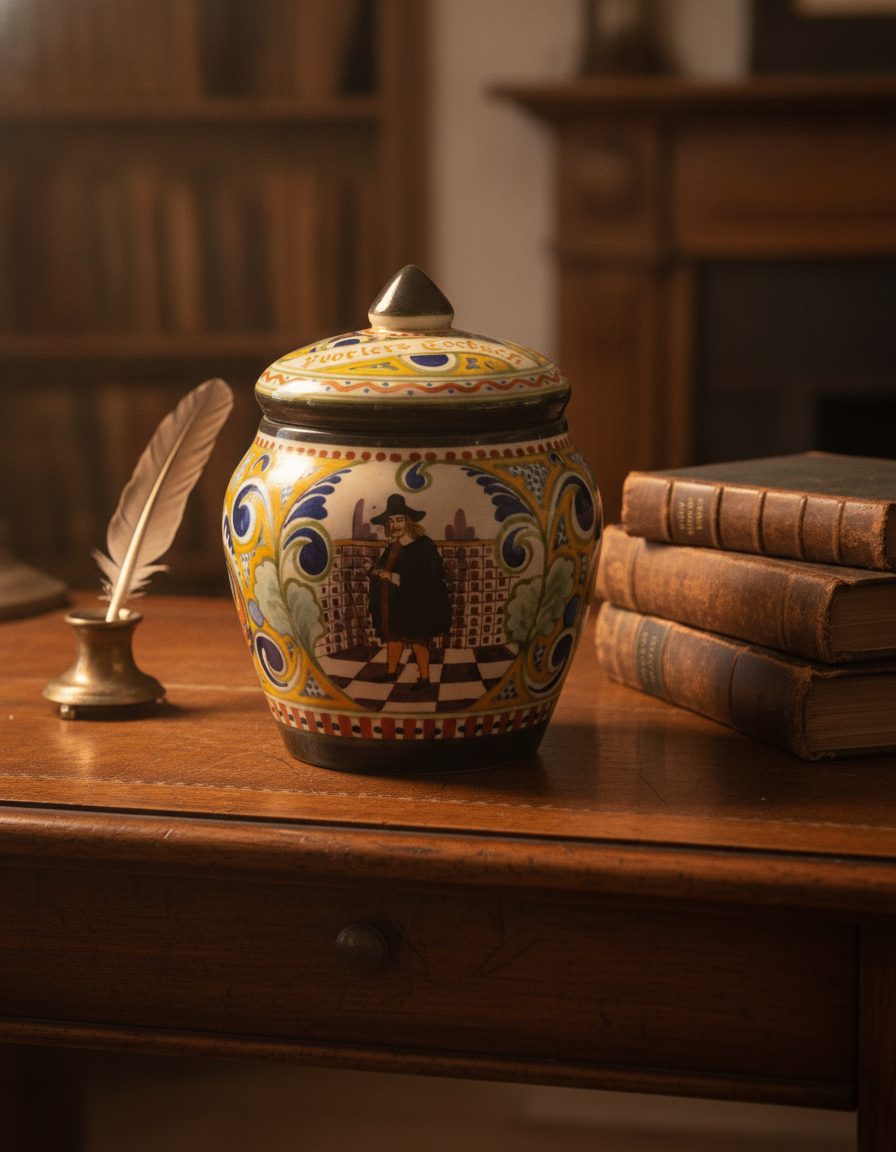
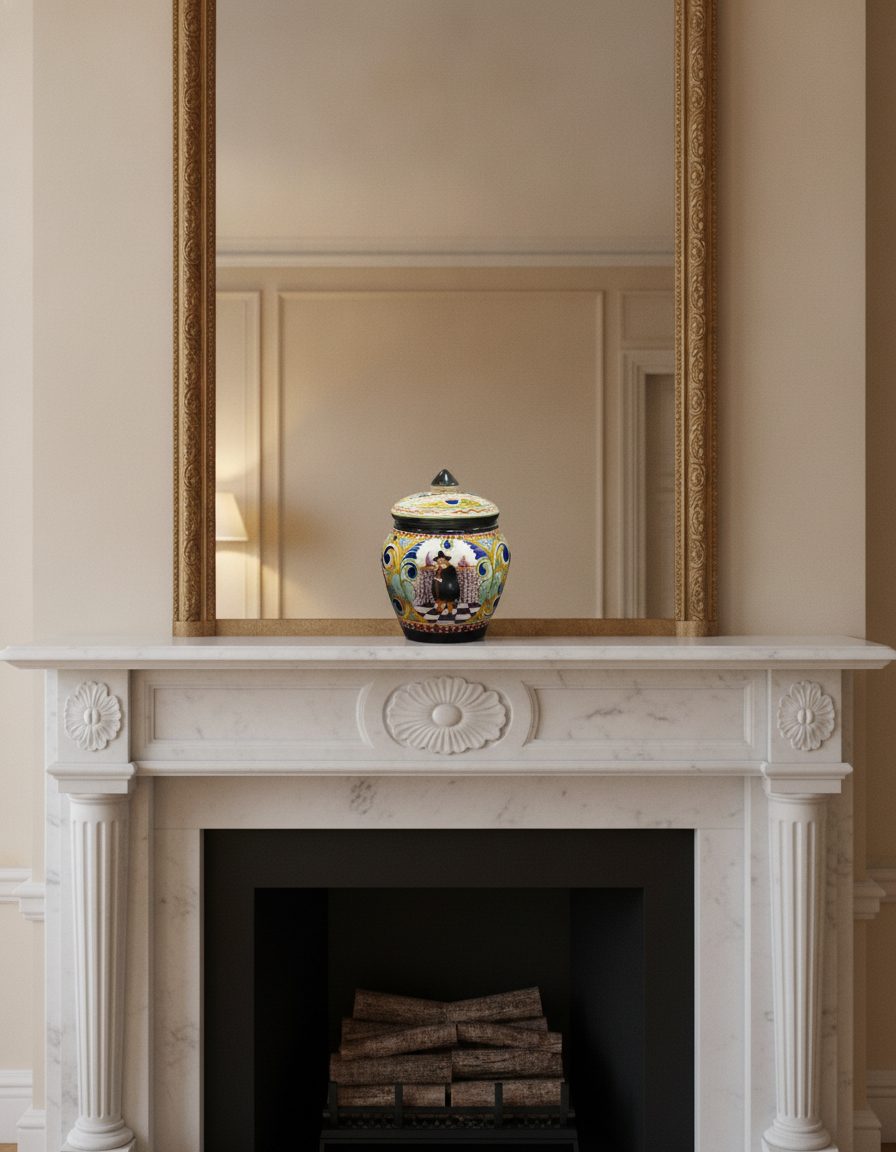
There's a reason template mockups so often look off: they treat packaging as a 2D sticker on a 3D placeholder. Real packaging has depth, material, light behavior, and a label that curves with the surface. When those don't match, shoppers sense a render even if they can't explain it.
Because KeepThisProduct starts from a photograph of your finished package, all of that comes along for free. The hand-painted jar above keeps its scrollwork, its central figure and its pointed lid across a warm desk and a marble mantel — the packaging is preserved, and only the room is new.
When a preserving mockup is the right call
Reach for this when your packaging is part of the product's appeal — decorative jars, textured boxes, foiled labels, unusual bottle shapes. A template can't do justice to a package whose value is in its physicality; a photo-based scene can.
It's also the honest choice for listings, where the mockup needs to represent what ships. Preserving the real packaging keeps the image truthful in a way a stand-in box can't.
The limit worth knowing
Fine, small lettering — a dense ingredient panel, micro legal type, a tiny batch code — is the detail most likely to soften when a package is restaged at a distance. Keep those elements as a separate close-up shot, and use scenes for the hero angles where the packaging reads clearly.
What stays true
- Your package's form, finish, color and label placement are preserved from the photo — the mockup restages, it doesn't redesign.
- Very fine print can soften at small scale; keep a close-up for detail-critical panels.
- Mock up packaging you own or are authorized to represent; never add certifications, claims or contents the package doesn't carry.
Questions, answered plainly
How is this different from a mockup template?
A template maps your label art onto a generic 3D shape. This works from a photo of your actual finished package, so the mockup preserves the real form, material and label rather than approximating them. It looks like your product because it is your product.
Can I show my packaging in a lifestyle setting?
Yes — that's the main use. Place the real package on a shelf, a table, a counter, in the light and context you want, while its shape and label stay true. You direct the setting; the packaging is held constant.
What will it cost for a set of mockups?
Start with one free watermarked preview. If it is usable, choose 5 selected scenes for $9.99, 20 for $29.99, or 60 for $79.99. Each scene has up to three successful attempts and one selected full-resolution final; no subscription or separate signup is required.
Show the packaging you actually ship
Photograph the real package once, then place it into as many scenes as you need — form, finish and label preserved.