Shoot the garment once, stage it across scene after scene
A tee, hoodie or tote usually gets one clean product shot. KeepThisProduct takes that shot and restages the same garment across a flat-lay, a styled surface and a lifestyle backdrop — cut, fabric texture and printed graphic preserved, only the scene changing.
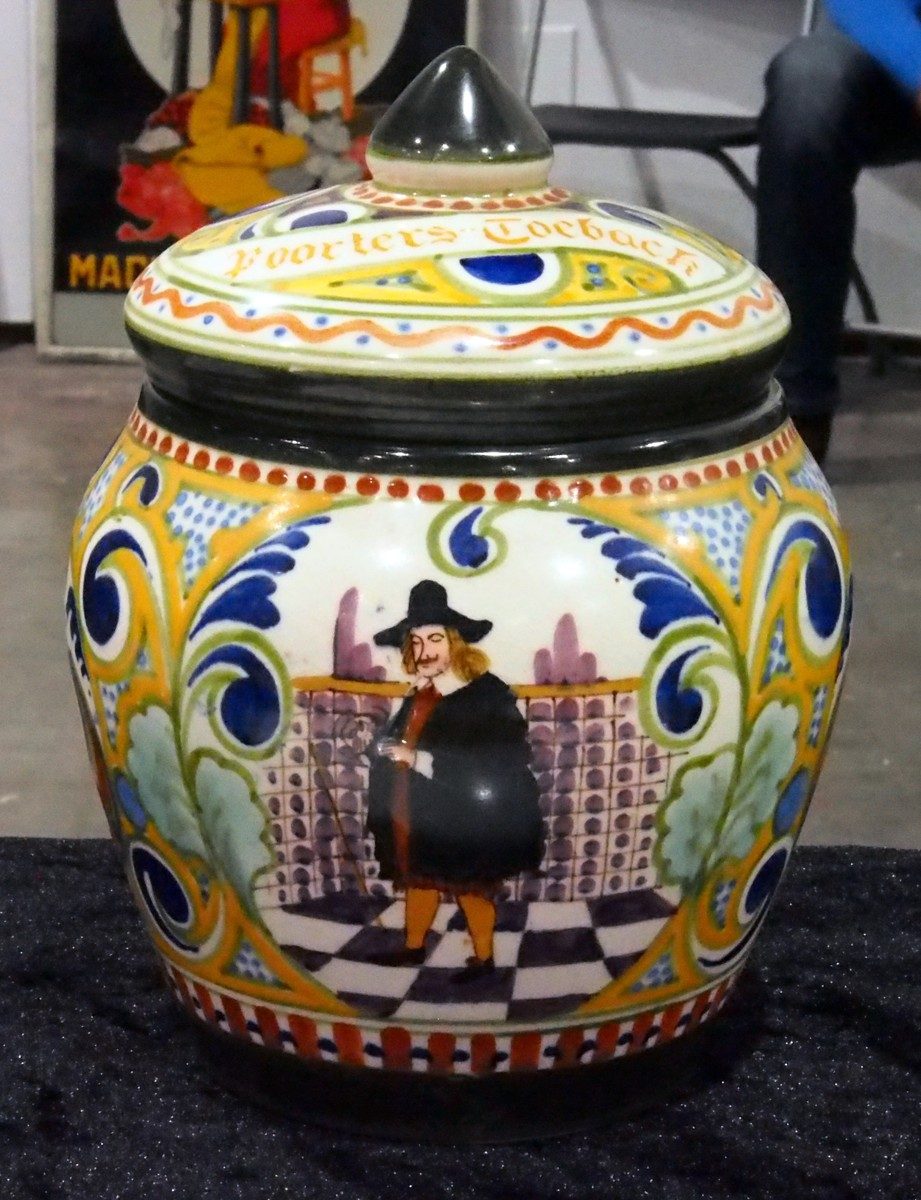
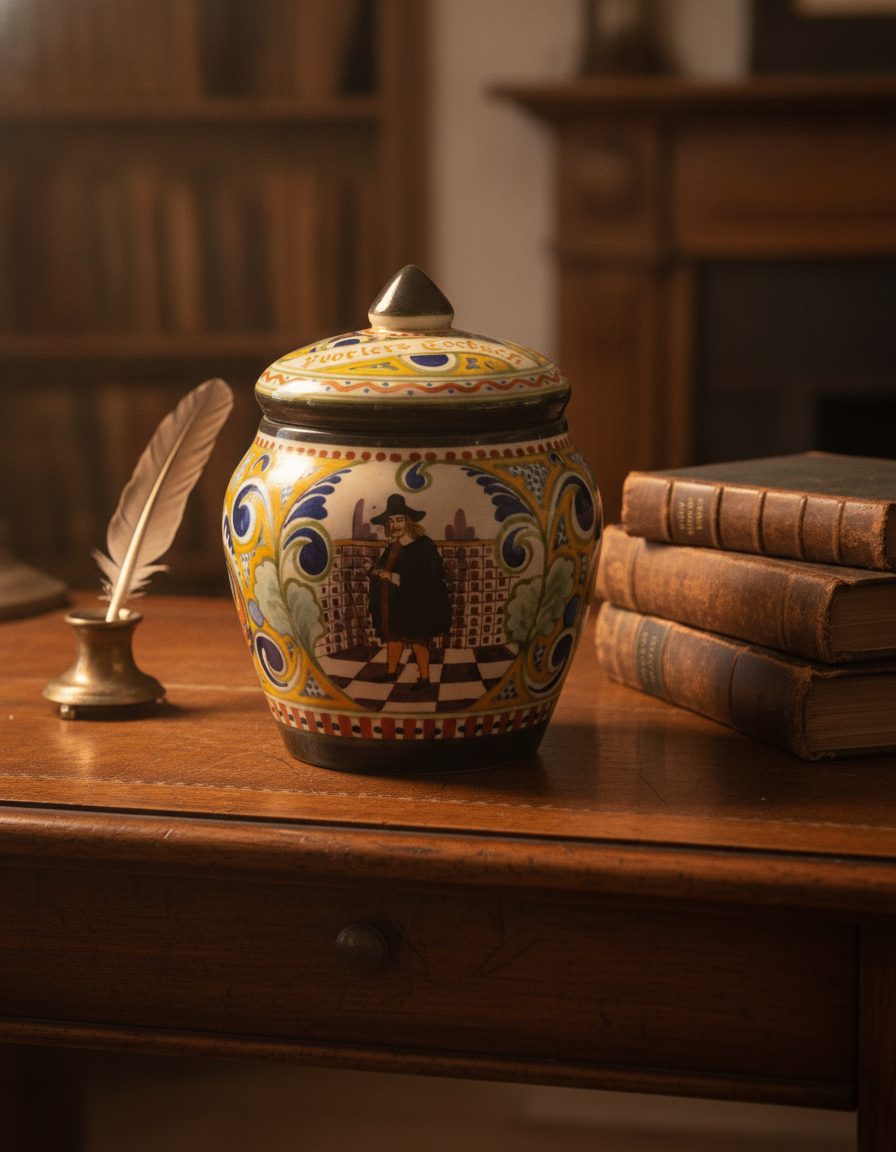
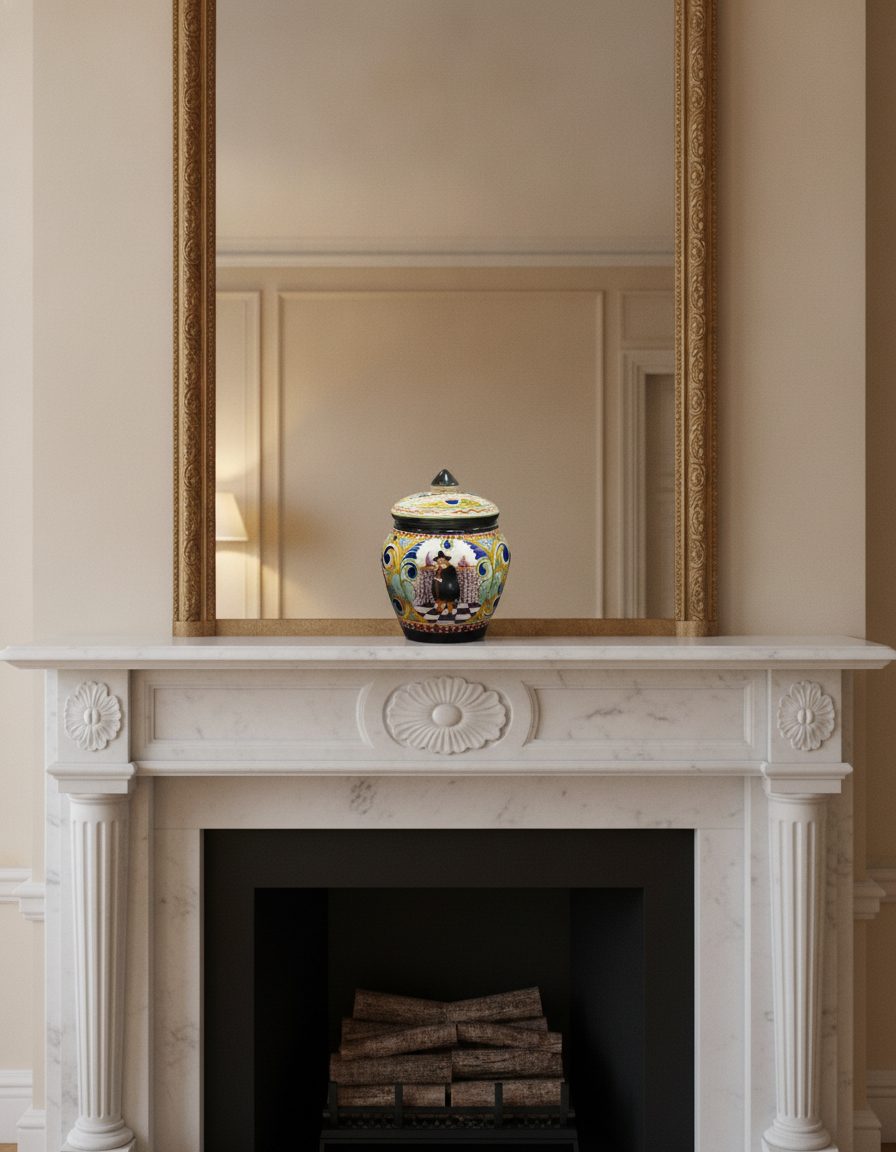
Apparel shoppers judge fit and fabric from the picture: the drape of the cotton, the weight of the fleece, the exact placement and colors of a print. When a mockup approximates those, the garment stops looking like the one that ships — and returns follow.
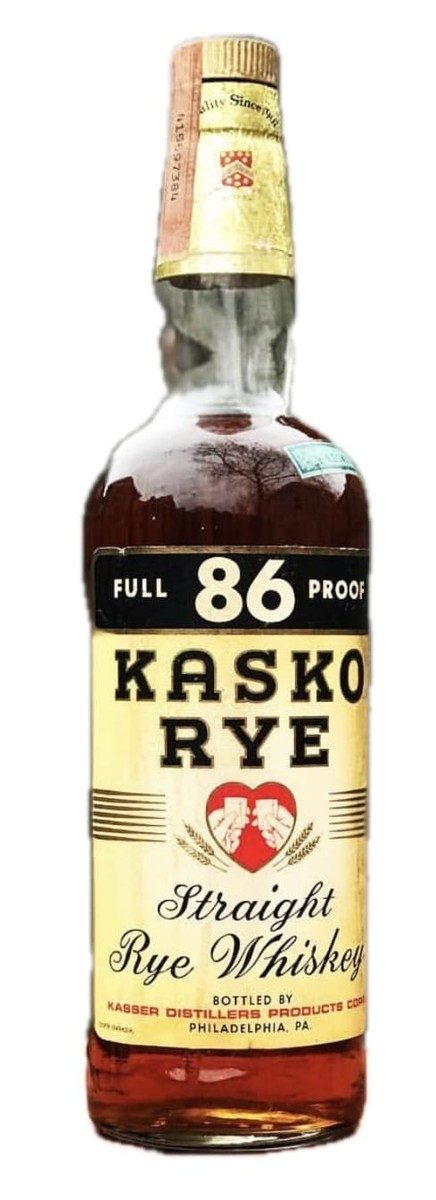
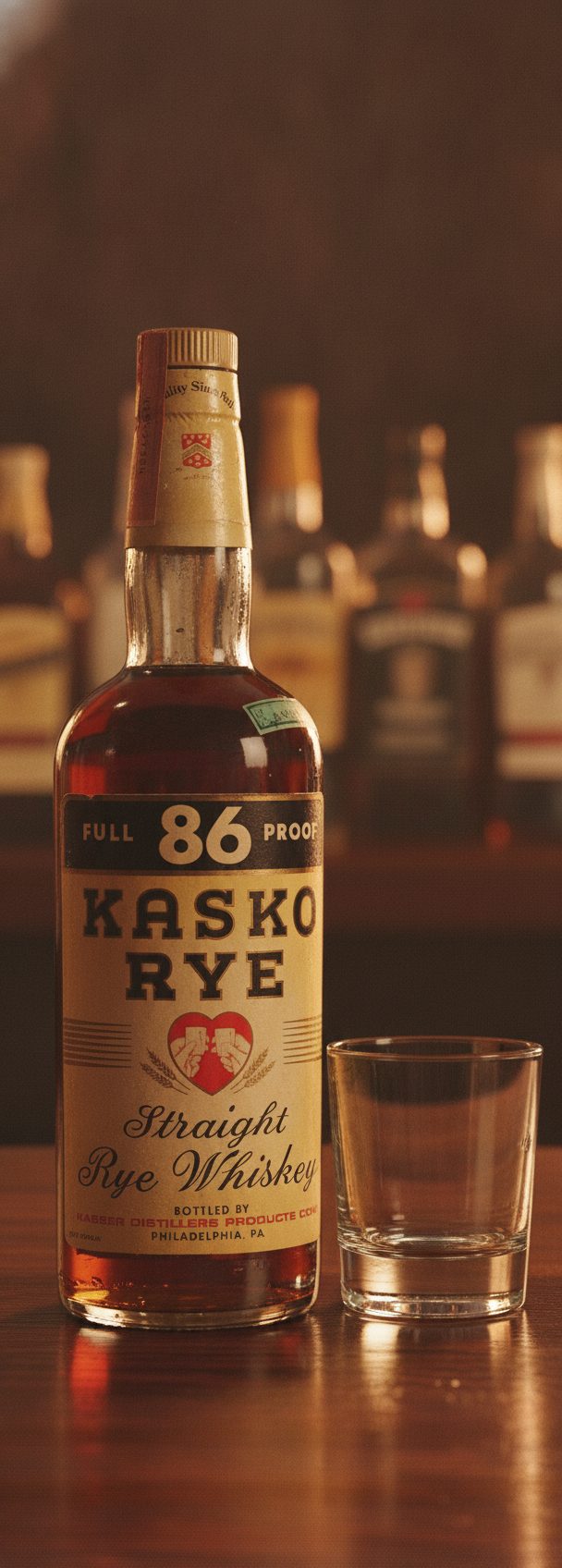
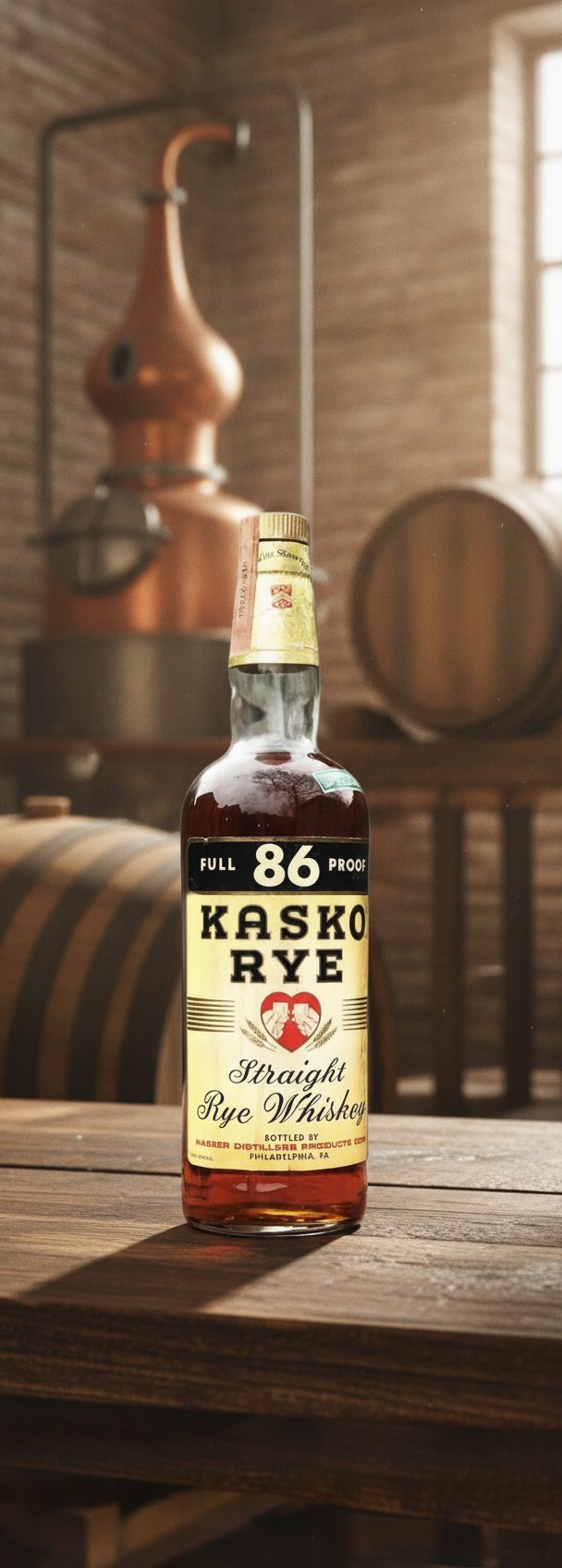
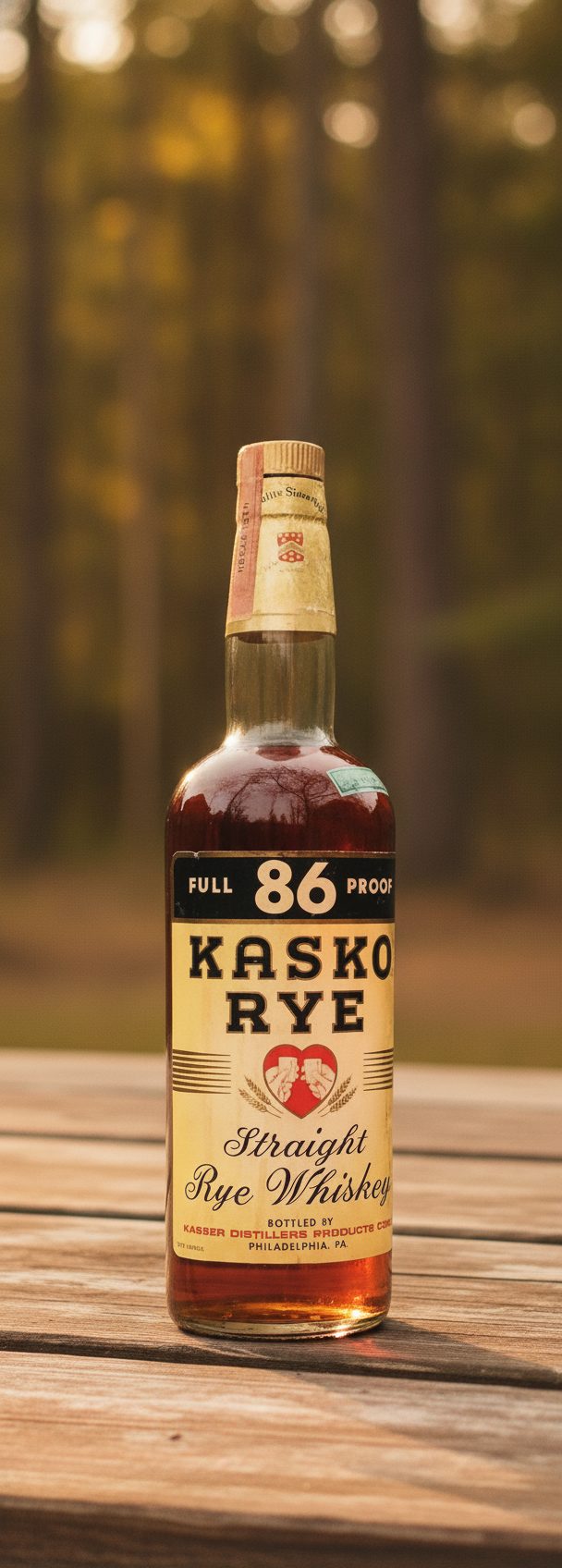
A photo-based scene keeps the garment itself and only rebuilds the environment around it. The example frames show a single object held constant across settings; an apparel item follows the same rule — the shirt in scene three is the shirt in scene one.
Building a set around real color
The reliable pattern is one clean photo per real colorway, then several scenes from each — a flat-lay for detail, a styled surface for mood, a lifestyle backdrop for context. That way every color a shopper can buy is shown truthfully, and each gets a small library of settings from a single upload.
Resist the temptation to "recolor" one shot into colors you never photographed. A restaged scene keeps the color you gave it; it should not invent a shade, a wash or a fabric the buyer cannot actually order.
The limit to keep in mind
Dense small text on a garment — a tiny woven care label, fine print inside a graphic, minuscule size text — can soften when the piece is restaged at a distance. Keep a straight close-up of any label or fine print a buyer relies on, and use scenes for the hero, drape and lifestyle angles.
What stays true
- Cut, fabric texture, print placement and the color you photographed are preserved — the scene restages the setting, not the garment.
- Shoot each real colorway once rather than recoloring a single shot into shades you do not stock.
- Fine woven labels and tiny in-print text can soften at small scale; keep a close-up for those.
Questions, answered plainly
Can I generate colorways I have not photographed?
The tool preserves the garment you upload, including its color. For truthful listings, photograph each real colorway once and stage scenes from each, rather than inventing shades a buyer cannot actually order.
Will my printed graphic stay in place?
Yes — the print placement, colors and the garment cut are carried from your photo. Very fine text within a print can soften if the piece is shown small, so keep a close-up for detail.
How much for a set across scenes?
Start with one free watermarked preview, then 5 selected scenes for $9.99, 20 for $29.99, or 60 for $79.99. Each scene gets up to three attempts and one full-resolution final, no subscription required.
One shot per color, a library of scenes
Photograph each real colorway once, then stage it across flat-lay, styled and lifestyle scenes — cut, fabric and print held true.