Your piece, restaged — without redrawing a single stone
Jewelry is bought on detail: the cut of a stone, the color of the metal, the way a setting holds it. KeepThisProduct starts from your photograph, so a ring or pendant can move onto velvet, a hand-adjacent flat-lay, or a soft-lit surface while the piece itself stays exactly as shot.
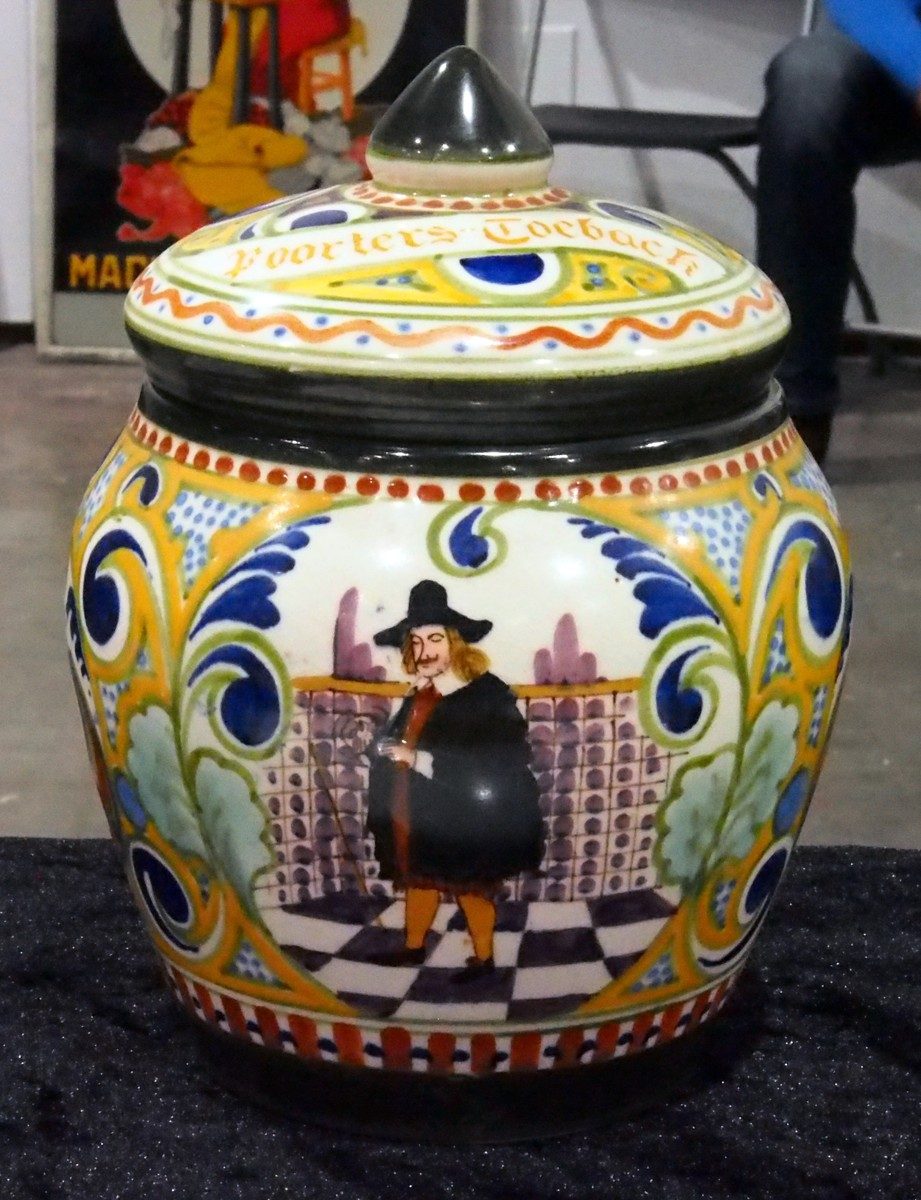
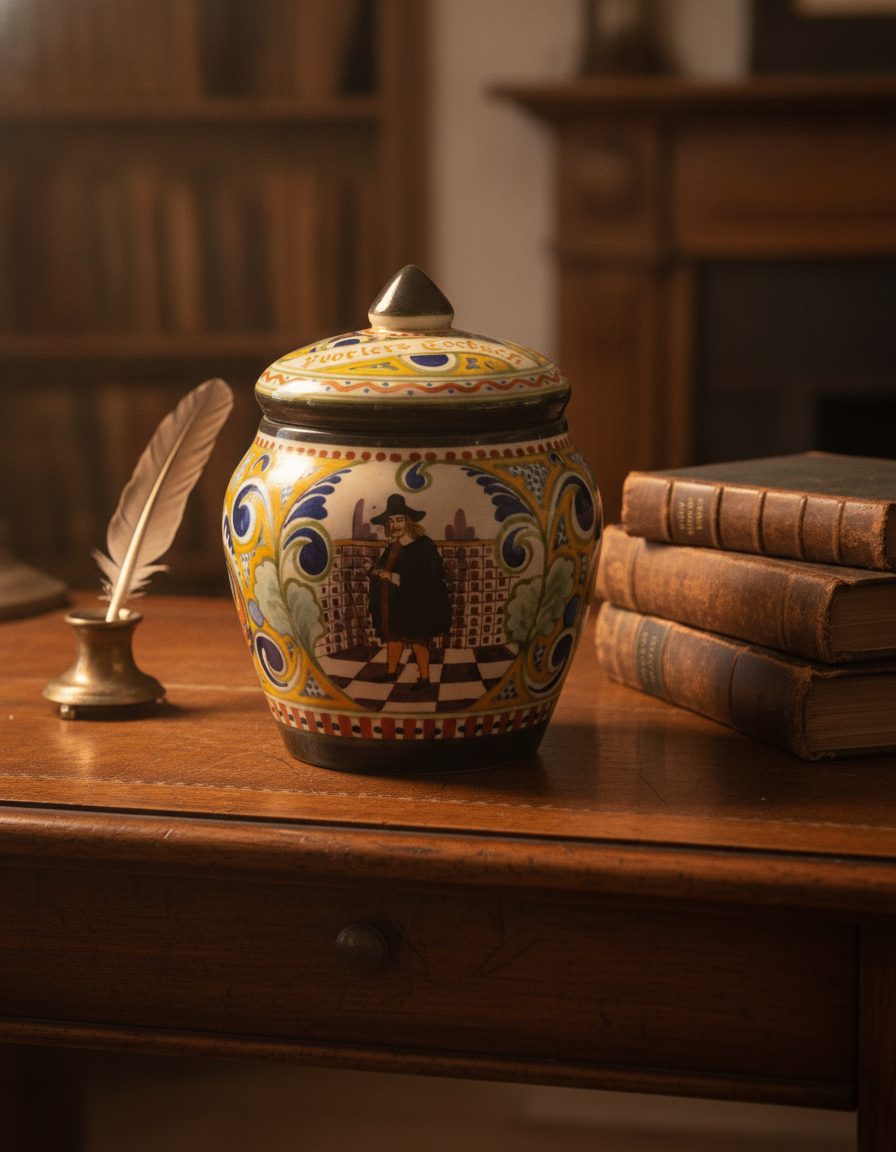
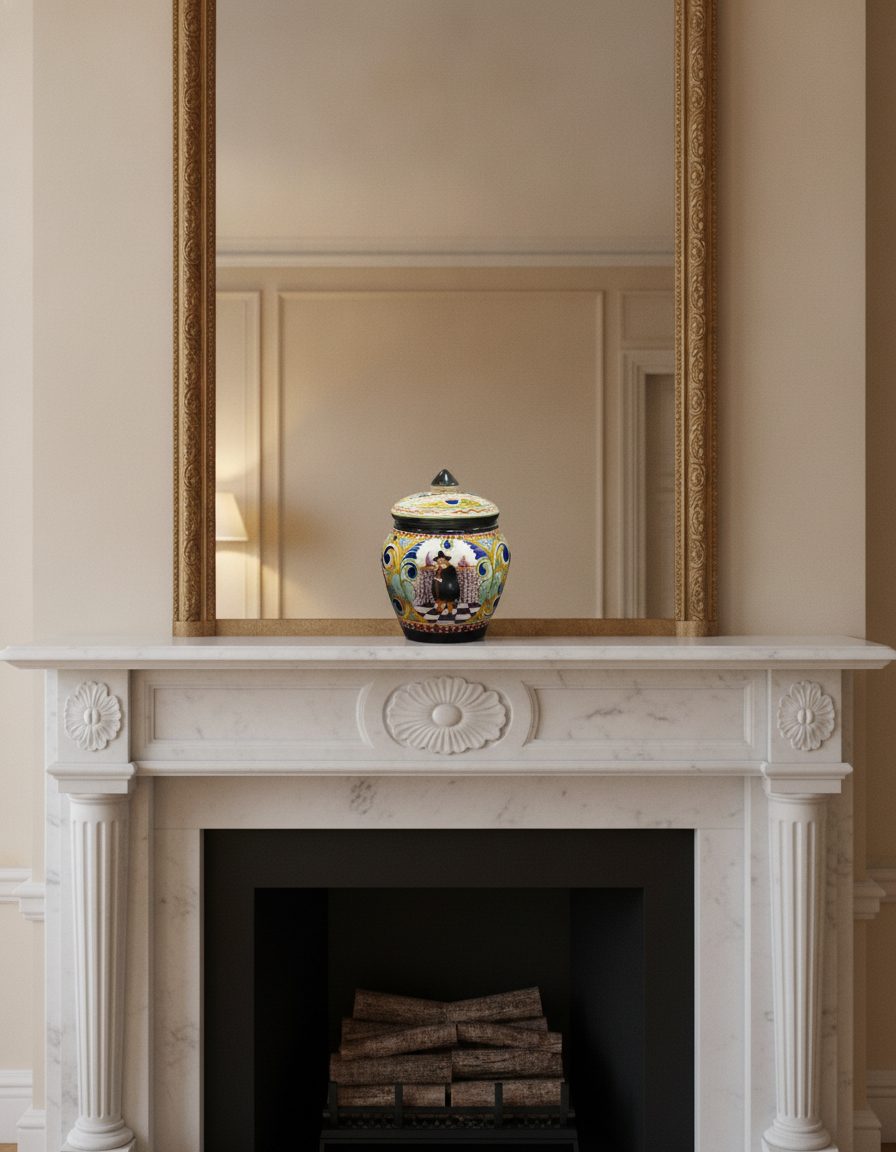
The whole appeal of a piece of jewelry lives in millimeters — a prong, a facet, a clasp. A generative tool that "reimagines" the item will quietly redraw those, and a buyer who zooms in will feel the difference even if they cannot name it. That is the fastest way to lose trust on a high-consideration purchase.
A photo-based scene sidesteps that: the stone, metal tone and setting come along from your reference, and only the surface, light and styling change. The example frames above show small, detailed objects kept intact as their surroundings change — the same discipline a ring or necklace needs.
A gallery plan for a listing
Lead with a true, sharp reference of the piece so scale and finish are unmistakable. Then build styled context — on fabric, beside a complementary object, in soft daylight — to help a shopper imagine wearing or gifting it, while every frame keeps the same stone, metal and setting.
For anything sold as solid gold, a specific carat, or a named gemstone, treat the scene as styling only. It should never imply a metal, stone size or clarity the item does not have; those claims belong in your verified specifications, not in a mood.
The honest limit for jewelry
Very fine engraving, hallmarks, tiny maker stamps and hairline settings are exactly the kind of micro-detail that can soften when a small piece is restaged. Keep a dedicated macro close-up for engraving and hallmarks, and use scenes for the styled, wearable angles where the piece reads at a glance.
What stays true
- Stone, metal tone and setting are carried from your photo — the scene restages surroundings, it does not recut or reset the piece.
- Fine engraving, hallmarks and hairline detail can soften at small scale; keep a macro close-up for those.
- Never let a scene imply a metal, carat, gemstone or clarity the piece does not actually have — keep material claims in verified specs.
Questions, answered plainly
Will the tool recut or change my stone?
No. The scene is built from your photo, so the stone, its cut and the setting are preserved. Only the surface, light and styling around the piece change.
Can I use these as my only listing images?
Show at least one true, sharp macro of the actual piece for scale and finish, and use styled scenes as supporting images. A scene helps a shopper picture wearing it; it should not replace clear evidence of what ships.
What about tiny engraving or a hallmark?
Fine engraving and hallmarks can soften when a small object is restaged. Keep a separate close-up for those details and use scenes for the styled, at-a-glance angles.
Keep the piece, change the setting
Photograph the ring, pendant or earrings once, then style them across surfaces and light — stone, metal and setting held true.