POD mockups from a real photo, not a flat template
Template mockups wrap your art onto a generic blank and it shows. KeepThisProduct works from a photograph of the actual printed item — mug, tee, poster, tote — so the mockup keeps the real product and its printed art, restaged across scenes instead of pasted onto a placeholder.
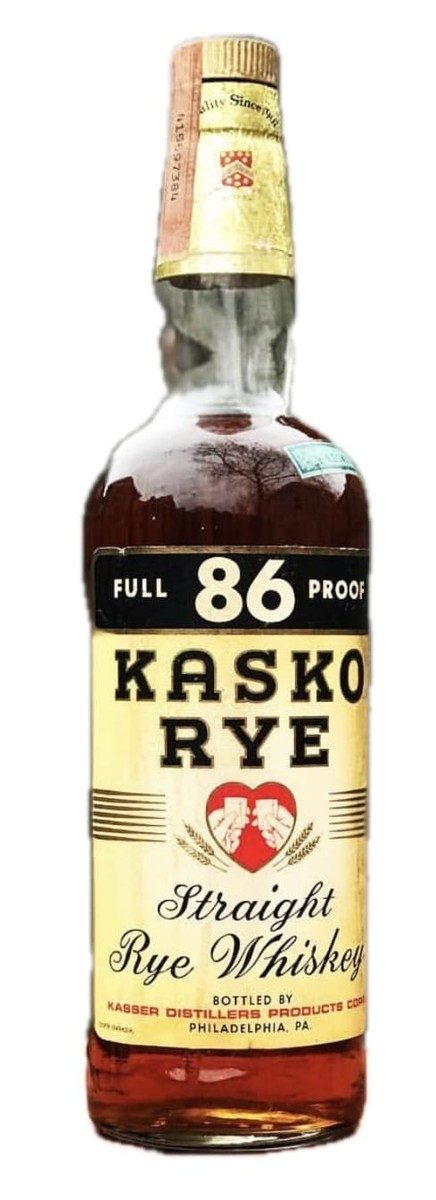
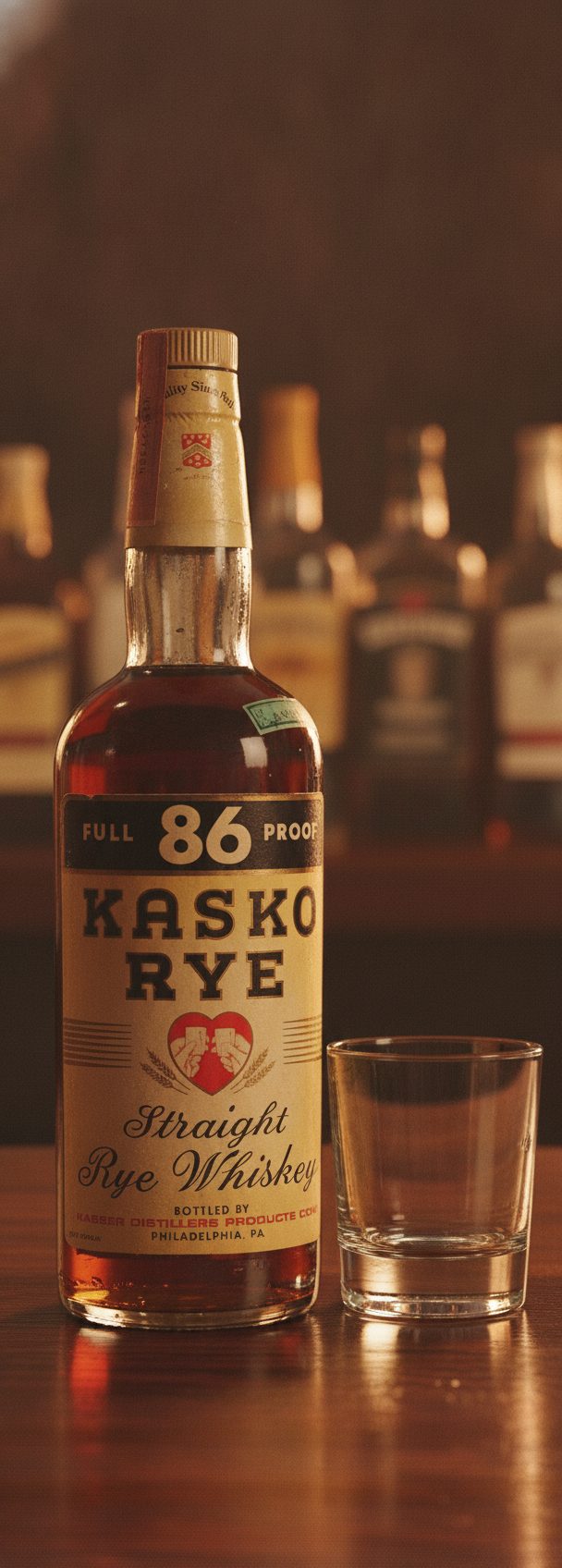
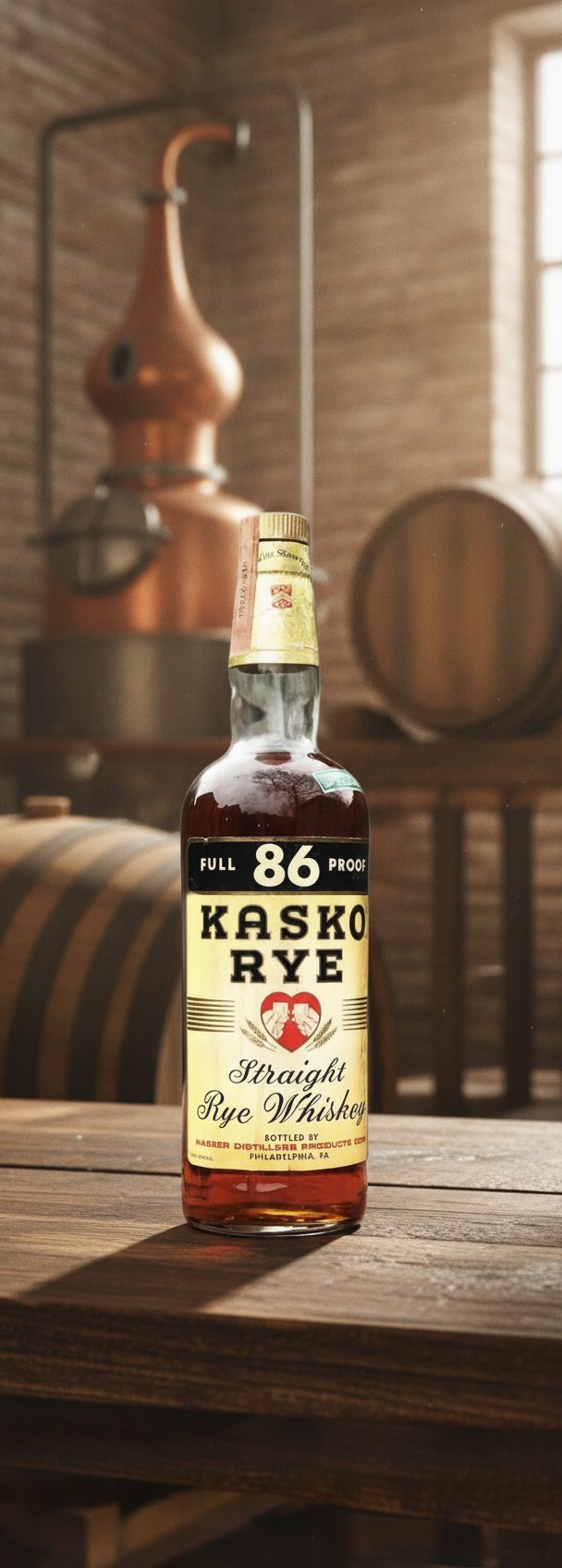
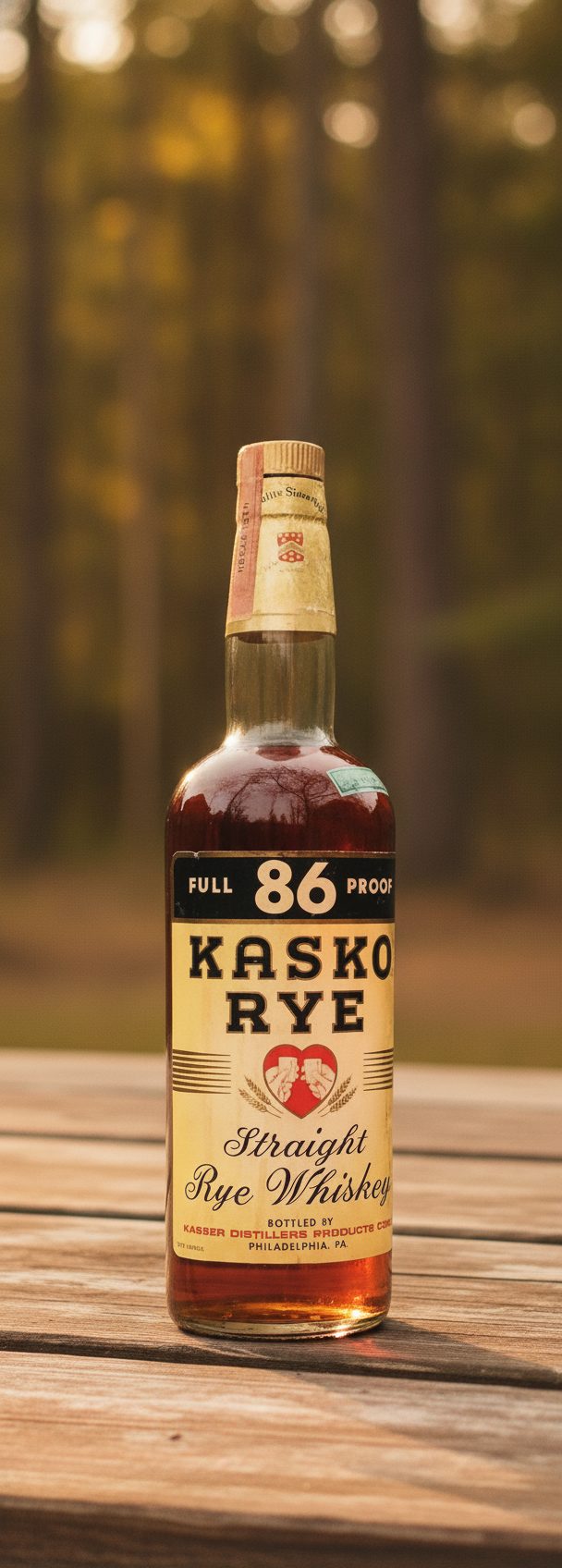
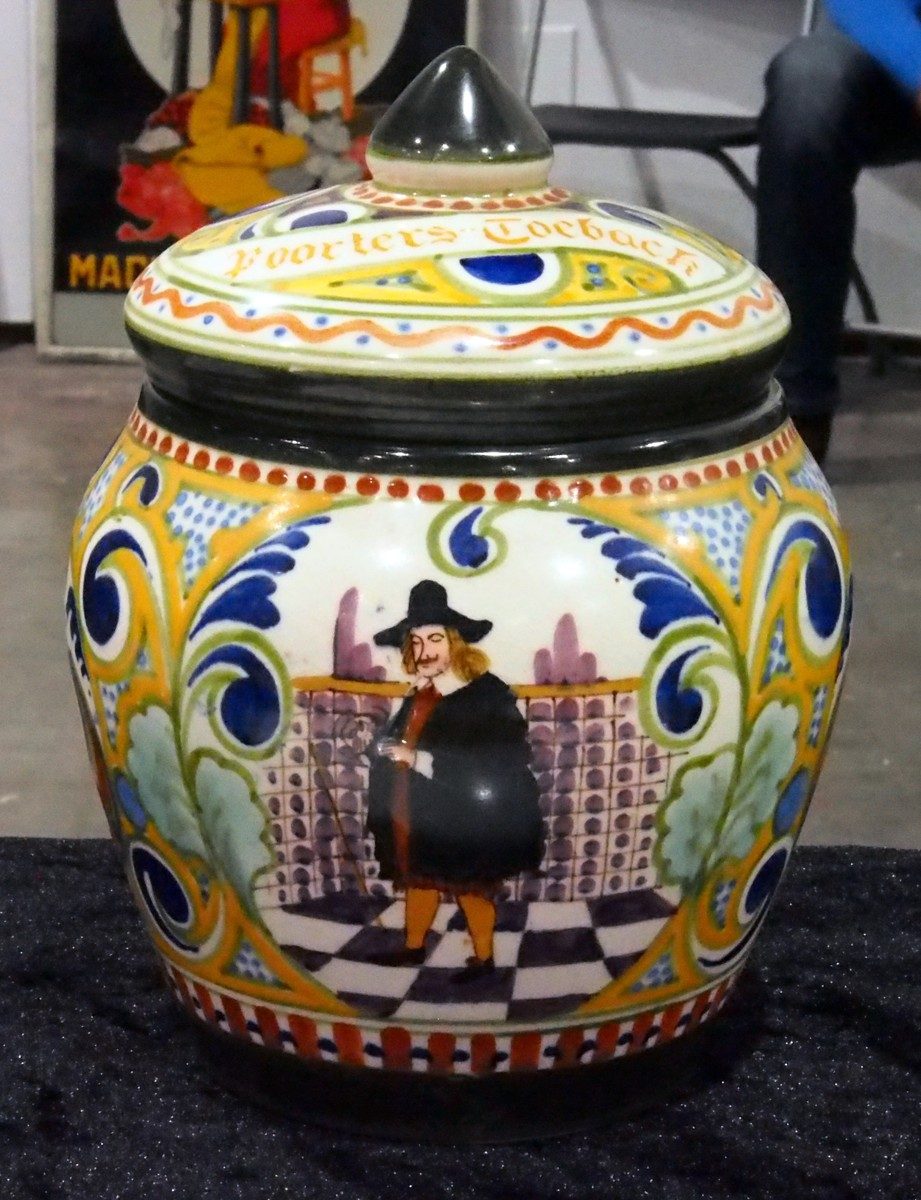
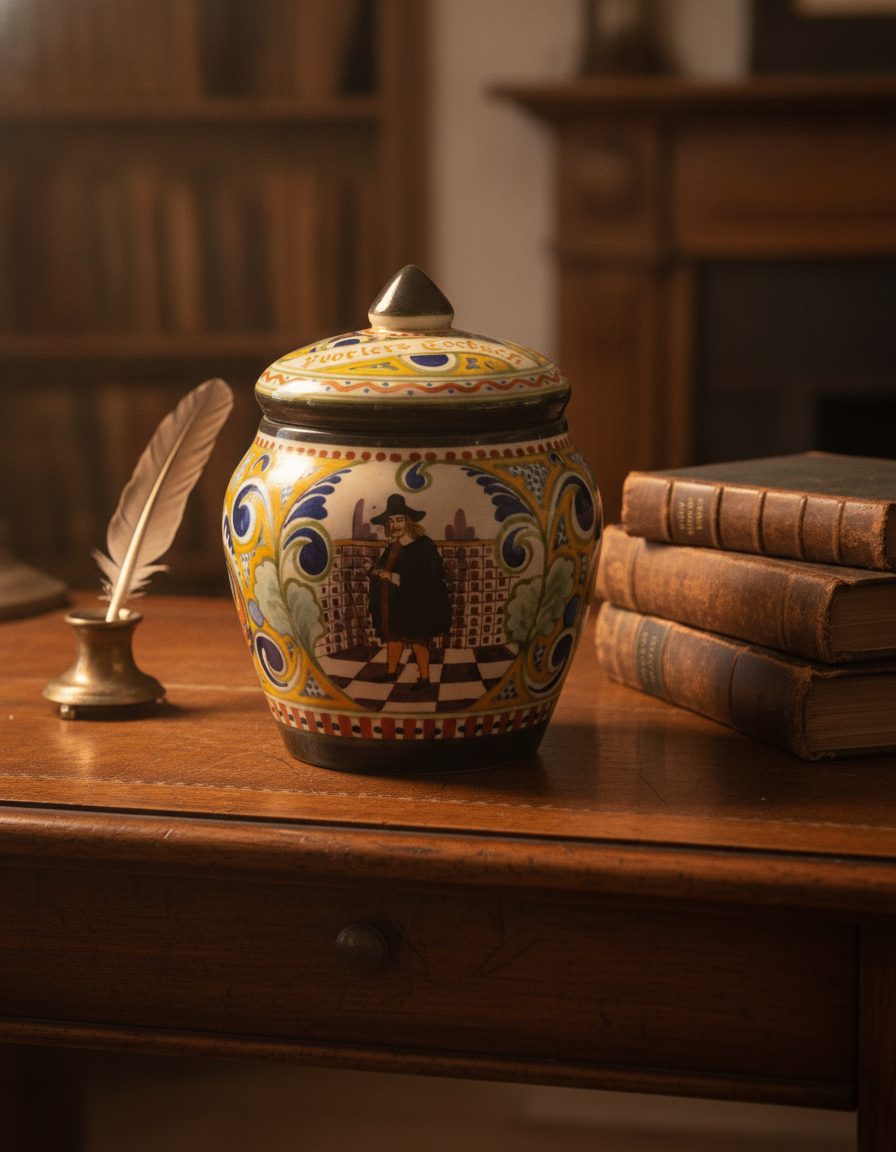
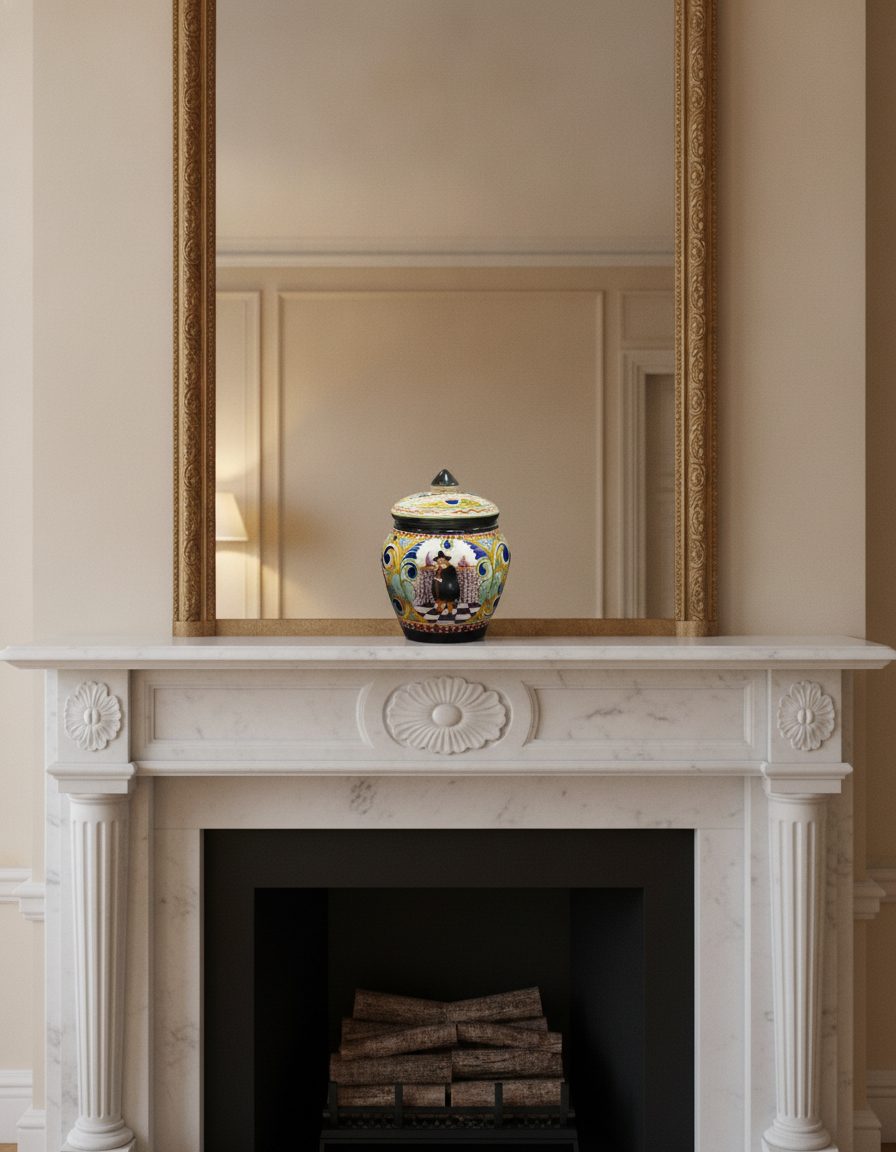
The tell of a template mockup is subtle but universal: the art sits a little too flat, the fold or curve does not match the print, the blank looks like everyone else's blank. Shoppers who scroll dozens of POD listings a day recognize it instantly, and it makes the design feel less real.
A photo-based scene avoids that by starting from a real printed sample. The example frames show a physical object held constant while its surroundings change — a printed mug or tee follows the same rule, keeping the product and the way the art actually sits on it.
A mockup set worth uploading
Order or photograph one real printed sample per design, then stage it several ways — a styled surface, a lifestyle context, a clean catalog frame. Each scene keeps the true product and print, so your gallery shows the item as it prints and drapes rather than as a template guesses it might.
Where a marketplace requires photos of the actual item, a photo-based scene of your real sample is far closer to compliant than a synthetic template — but always check the platform's current image rule for your category before you upload.
The limit worth naming
Tiny elements of a printed design — hairline linework, minuscule text in the artwork, a fine watermark — can soften when the item is restaged at a distance. Keep a straight close-up of the print for detail, and use scenes for the styled and in-context angles where the design reads at a glance.
What stays true
- The real printed item and the way the art sits on it are carried from your photo — the scene restages surroundings, not the print.
- Photograph one real printed sample per design rather than pasting art onto a synthetic blank.
- Fine linework and tiny in-art text can soften at small scale; keep a close-up of the print for detail.
Questions, answered plainly
How is this different from a mockup generator?
A generator wraps your flat art onto a generic 3D blank. This works from a photo of your actual printed sample, so the mockup keeps the real product and the way the art truly sits on it — it looks like your item because it is your item.
Do I need a physical sample?
For the most truthful mockups, yes — photograph one real printed sample per design, then stage it across scenes. That keeps drape, print and product honest in a way a template cannot.
What does a mockup set cost?
One free watermarked preview to start, then 5 selected scenes for $9.99, 20 for $29.99, or 60 for $79.99. Each scene gets up to three attempts and one full-resolution final, with no subscription.
Photograph the real print, stage it anywhere
Shoot one real printed sample per design, then build a mockup set across scenes — product and print held true, no flat template.