Refresh the season, keep the product identical
Every season needs fresh imagery, but reshooting the whole catalog is expensive. KeepThisProduct restages your existing product photo into seasonal scenes — holiday, summer, back-to-school — while the item, packaging and label stay byte-for-byte the same product you already sell.
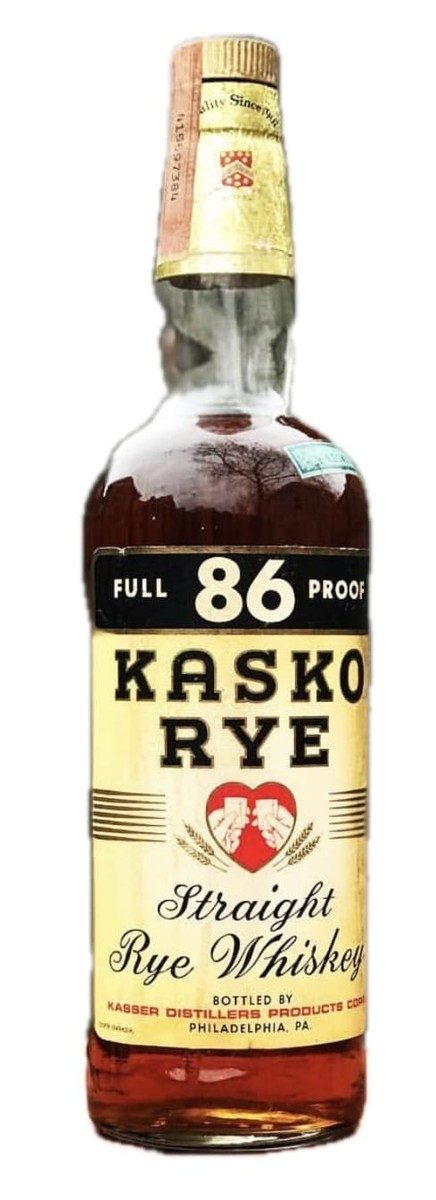
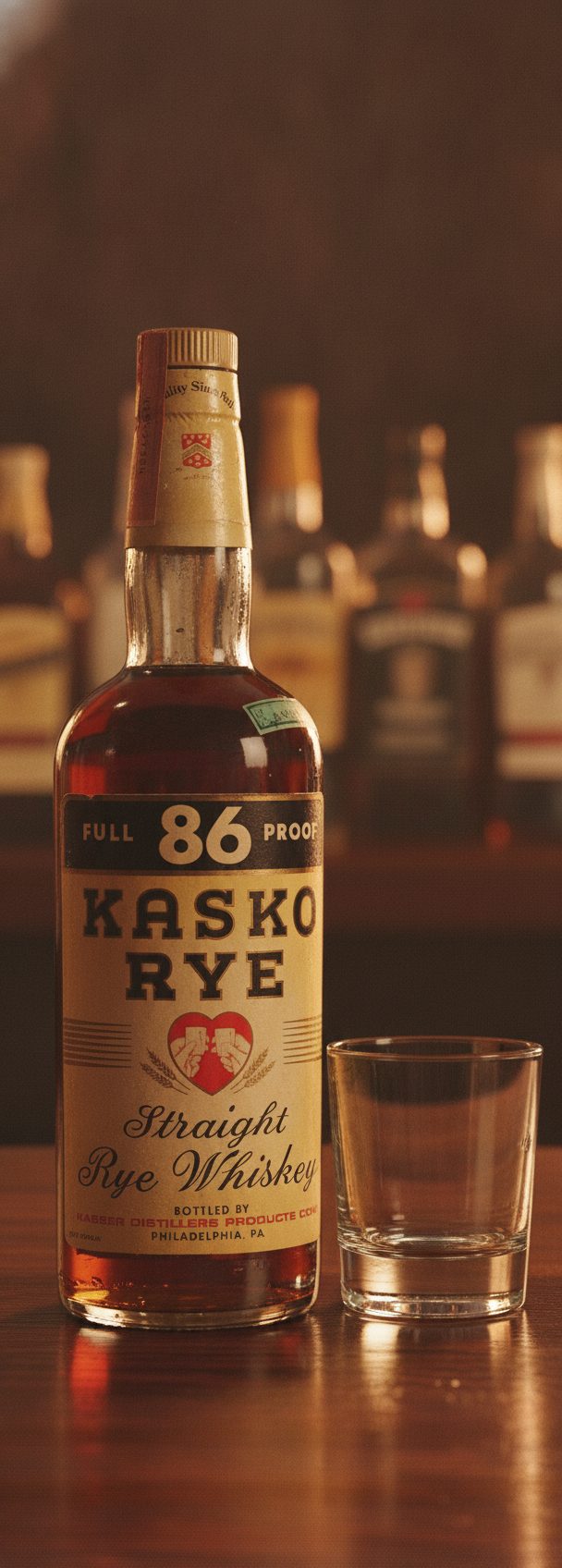

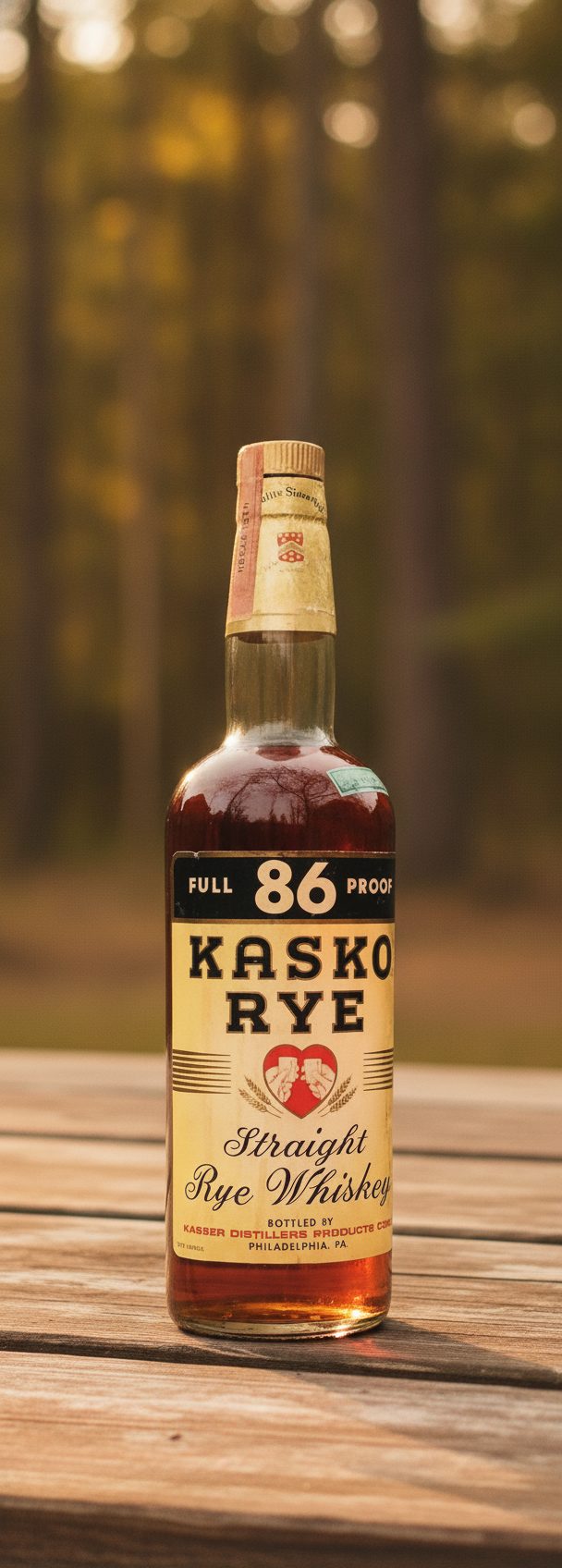
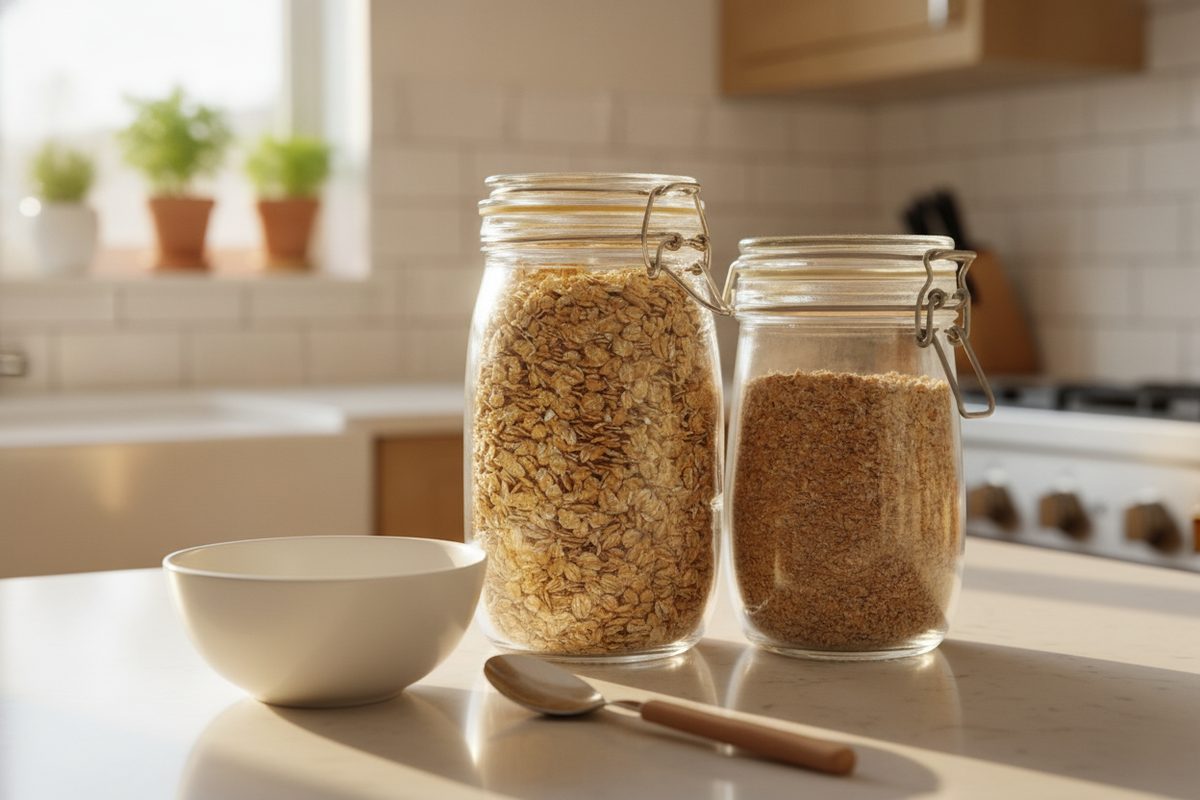
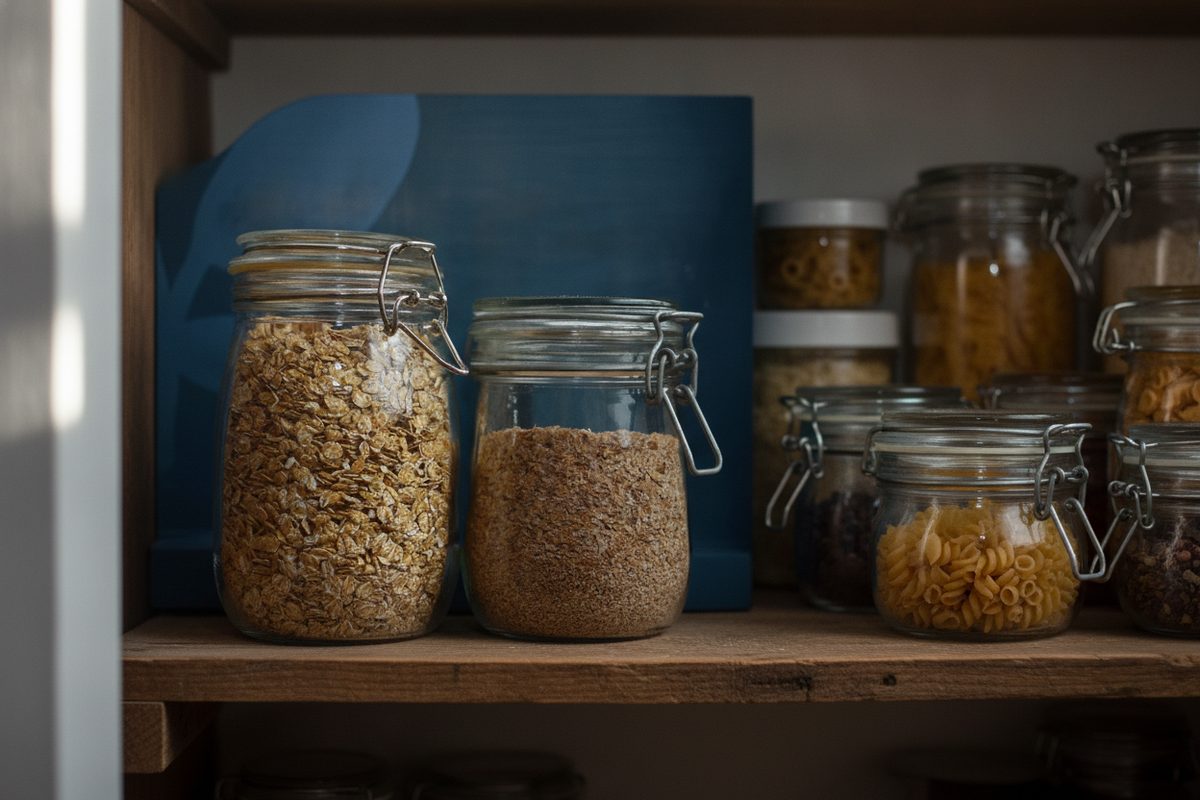
Seasonal refreshes usually mean either an expensive reshoot or a scramble for stock imagery that never quite matches your product. Both are slow, and both risk showing something a little off from what actually ships — which undercuts the campaign it is meant to power.
A photo-based scene solves the middle: your product stays exactly as photographed, and only the seasonal setting around it changes. The example frames show one product held constant across settings; a holiday or summer refresh is the same move with a seasonal backdrop.
A refresh plan for one product
Keep your master reference and generate a seasonal set from it each cycle — a festive surface for the holidays, a bright outdoor scene for summer, a cozy indoor mood for winter. The product is identical across all of them, so your seasonal campaigns stay recognizably the same item dressed for the calendar.
Keep the seasonal framing honest. A scene can set a mood, but it should not imply a limited edition, a seasonal bundle, a gift set or a promotion you are not actually offering. The season is styling; the offer lives in your listing and pricing.
The limit worth naming
As with any restaging, dense small print on the product — ingredient panels, legal type, batch codes — can soften when the item is shown small within a busy seasonal scene. Keep a straight close-up for any panel a buyer relies on, and use seasonal scenes for the hero and mood angles.
What stays true
- The product, packaging and label are identical across every seasonal scene — only the setting changes.
- A seasonal scene sets a mood; it must not imply a limited edition, bundle, gift set or promotion you are not offering.
- Fine product print can soften inside busy scenes at small scale; keep a close-up for panels a buyer relies on.
Questions, answered plainly
Does my product change between seasonal scenes?
No — the item, packaging and label are carried unchanged from your master photo into each seasonal scene. Only the setting around it changes, so every campaign shows the same product you actually sell.
Can I imply a holiday special or bundle?
Only if you are truly offering one. A seasonal scene sets a mood; it should not imply a limited edition, gift set or promotion that does not exist. Keep the offer in your listing and pricing.
How much to refresh a product each season?
Start with one free watermarked preview, then 5 selected scenes for $9.99, 20 for $29.99, or 60 for $79.99. Each scene gets up to three attempts and one full-resolution final, no subscription required.
New season, same trusted product
Keep one master photo and restage it each cycle — the product identical, only the season around it changing.